


What’s on this page:
Key takeaways
- Use Pennsylvania’s PALS system to check the physician license record.
- Match the board record to the physician using a specific identifier where available, plus city or location and NPI.
- Record the status wording exactly as displayed; do not infer discipline or eligibility from it.
- Save the board record URL or a reproducible search trail, along with the verification timestamp.
- Re-check the record close to the relevant decision point if the recruiting cycle is long.
Last updated: August 31, 2026
Ben Argeband, Founder & CEO of Heartbeat.ai — Recruiter checklist, no legal interpretation.
Who this is for
Recruiters verifying Pennsylvania physicians can use the official state licensing system to confirm identity and license status before outreach, submittal, or a credentialing handoff.
Quick Answer
- Core Answer
- Use Pennsylvania’s official licensing system to confirm the physician’s identity, license status, and dates, then match to NPI and log proof for your file.
- Key Insight
- Name collisions happen. Reduce wrong-person outreach by pairing city with NPI and saving the board record link (or search inputs plus timestamp).
- Best For
- Recruiters verifying physicians in Pennsylvania.
Compliance & Safety
This method is for legitimate recruiting outreach only. Always respect candidate privacy, opt-out requests, and local data laws. Heartbeat does not provide medical advice or legal counsel.
Verify first, then outreach
Before contacting a physician, check their identity against the board record and an NPI cross-check. The workflow is simple:
- Verify identity (right person) using the board record plus an NPI cross-check.
- Verify status (what the board shows today) and capture dates as displayed.
- Document proof (link or reproducible search trail) so your team can re-check without rework.
- Then outreach using your normal channel and opt-out handling.
A few minutes of verification can help prevent wrong-person outreach and credentialing rework.
Step-by-step method
Step 1: Start at the official Pennsylvania licensing system
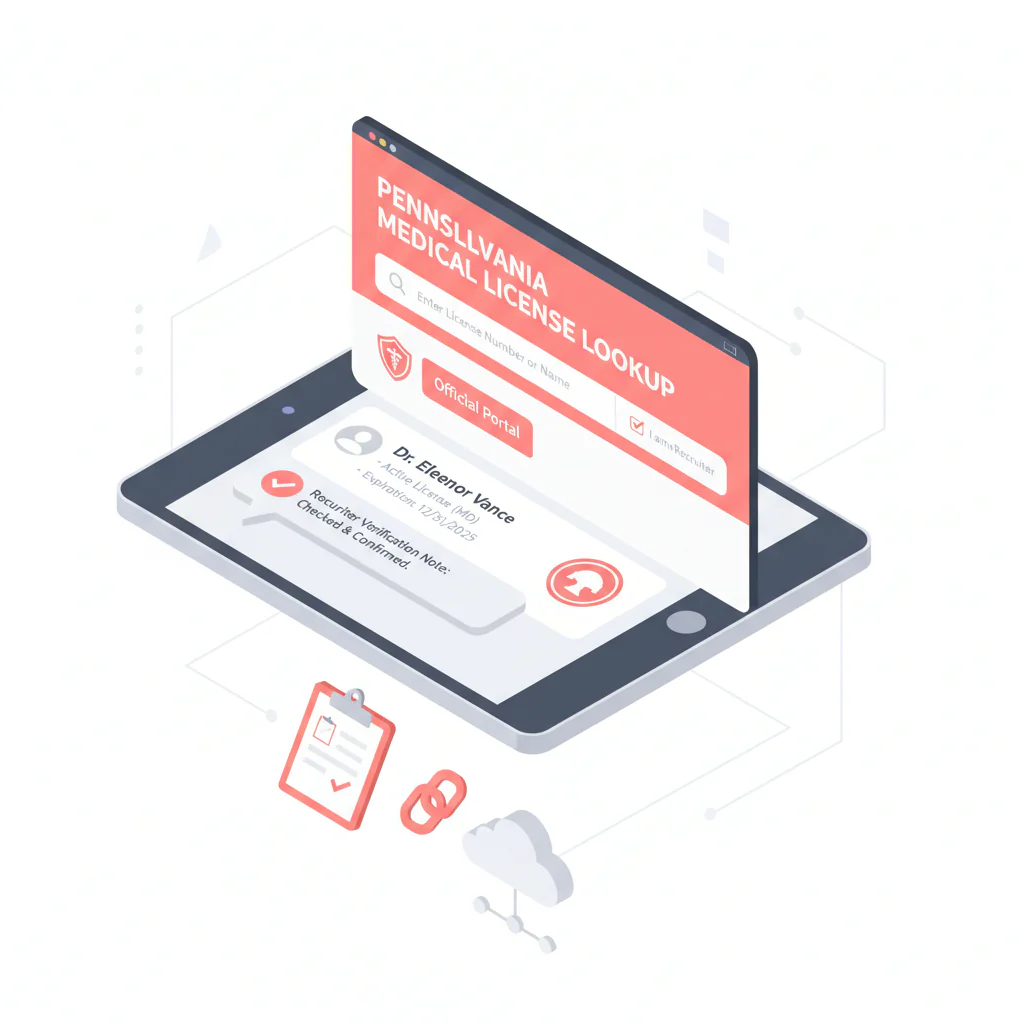
Pennsylvania license verification runs through PALS—the Pennsylvania Licensing System, operated by the Department of State’s Bureau of Professional and Occupational Affairs. Use the official state system to check the board record rather than relying on a third-party lookup tool.
If you’re training a new recruiter, call this step “PA medical license lookup” in your SOP so it’s easy to find and repeat.
- Official starting point: Pennsylvania Department of State — Professional Licensing
Step 2: Search with the most specific identifier you have
- Best: license number, if you have it.
- Next best: full name plus city or another location signal.
- Always: confirm identity using NPI from your system before you mark anything “verified.”
When names match, use the board record as an identity reference and reconcile it with your CRM fields, including city or location and NPI.
Step 3: Confirm identity before you record status
Before recording a license status or contacting the physician, confirm:
- Full name, including middle initial or suffix if present
- City or location signal, as available
- NPI match from your ATS/CRM or your existing NPI source
Step 4: Capture the minimum fields
For each Pennsylvania license verification, record these fields in your ATS/CRM note or verification log:
- License status — exact wording as shown
- Issue date — as displayed
- Expiration/renewal date — as displayed, if present
- License type — physician license designation shown
- Board record linkout saved in the profile, if the URL is stable
- If no stable link: page title, search inputs used, the exact entry you clicked, and a timestamp
- Verification timestamp — date/time you checked
- NPI used for identity match
License status, for consistency, means the current standing shown on the official board record at the time you checked. Record it verbatim. Don’t interpret it as discipline or eligibility — that call belongs to credentialing or compliance.
Step 5: Store proof in a way your team can reproduce
To make a verification reproducible, save one of these proof options:
- Preferred: save the board record URL in the profile.
- Fallback: save a reproducible search trail — page title, search inputs, and timestamp.
This process still requires manual verification. If you’re handling a high volume of records, standardize the note format so another team member can repeat the lookup.
Example verification note (copy/paste)
Use this template in your ATS/CRM note field and fill in the brackets:
- PA license verification (official portal): [date/time checked]
- Physician: [Full name as shown] | NPI: [10-digit NPI] | City: [City]
- License type: [as shown] | Status: [verbatim] | Issue: [date] | Exp/Renew: [date or “not shown”]
- Proof: [board URL] OR [page title + search inputs + exact entry clicked]
Step 6: Only after verification, proceed to outreach
After confirming identity and recording the status shown on the board record, proceed with outreach. Keep the verification record attached to the profile so outreach and submittal teams can refer to the same information.
If you’re cleaning provider records at scale, use an NPI-to-license workflow so identity stays consistent across systems: NPI-to-license matching for cleaner provider records.
Diagnostic table
| What you’re seeing | What it means for recruiting ops | What to do next (fast) |
|---|---|---|
| Multiple physicians with the same name | High risk of false match and wrong outreach | Require city/location + NPI match before marking verified; add a “do not merge without NPI” note |
| Status wording is unclear or non-standard | Board-specific terminology; don’t infer eligibility | Record status verbatim; route to credentialing/compliance for interpretation |
| Dates are missing or not obvious | Portal display can vary by license type | Capture what’s shown; add verification timestamp; set a re-check task closer to start date |
| Result page link isn’t stable or easy to share | Harder to audit later; rework risk | Log page title + search inputs + timestamp so another recruiter can reproduce the lookup |
Weighted checklist
PA verification checklist — use this as your internal “definition of done” before outreach or submittal.
- (5 points) Identity confirmed with NPI plus matching city/location signal
- (5 points) Physician license record found on the Pennsylvania Licensing System (PALS)
- (4 points) License status recorded verbatim from the board record
- (3 points) Issue date captured as displayed
- (3 points) Expiration/renewal date captured as displayed, if present
- (3 points) Proof saved — board URL or reproducible search trail
- (2 points) Verification timestamp logged in the profile note
- (2 points) Name-collision guardrail added, e.g. “Do not merge profiles unless NPI matches”
Scoring guidance: 18+ points, ready for outreach. 14–17, outreach allowed but flag for follow-up verification. Under 14, resolve identity/status gaps first.
Outreach templates
Use these templates only after completing the lookup and matching the physician’s identity with an NPI. Keep them short and easy to forward internally.
Template 1: Initial outreach (email)
Subject: Pennsylvania opportunity — quick question
Body: Hi Dr. [Last Name] — I’m recruiting for a [role] in [city/region]. I verified your Pennsylvania license record for accuracy and want to confirm interest before I send details. Are you open to a 5-minute call this week?
If you prefer no outreach, reply “opt out” and I’ll update my records.
Template 2: Identity clarification (when names collide)
Subject: Quick confirm — correct Dr. [Last Name]?
Body: Hi Dr. [Last Name] — I’m seeing multiple physicians with the same name in Pennsylvania. To make sure I’m contacting the right person, is your primary practice location in/near [City] and is your NPI ending in [last 4]?
Thanks — if not you, I’ll close this out.
Template 3: Phone opener (live or voicemail)
“Dr. [Last Name], this is [Name]. I’m calling about a [role] in [area]. I verified your Pennsylvania license record to avoid any mix-ups — can I send a one-paragraph overview and confirm if you’re open to a quick call?”
Common pitfalls
- Marking verified on a name-only match. Fix: require city/location plus NPI match, then log proof.
- Treating status text as a disciplinary conclusion. Fix: record status verbatim and escalate interpretation to credentialing/compliance.
- No proof saved. Fix: store the board URL or a reproducible search trail with timestamp.
- Verification drift. Fix: re-check close to submittal or start date if your cycle time is long.
How to improve results
Make verification measurable so it doesn’t get skipped when the desk gets busy. Track a Verification Completion Rate: profiles with all required PA fields captured, divided by profiles moved to outreach, reported per 100 profiles.
Measurement steps:
- Create a required task in your ATS/CRM (e.g. “PA License Verified”) with mandatory fields: status (verbatim), issue date, expiration/renewal date if shown, proof, timestamp, and NPI used.
- Run a weekly audit: sample recently verified profiles and confirm the board record still matches the stored fields.
- Track rework — count how often submittals are delayed due to missing or incorrect verification fields, and feed that back into recruiter coaching.
Legal and ethical use
- Use official sources for verification and keep records for legitimate recruiting operations.
- Honor opt-out requests and minimize data retention to what your process requires.
- Do not interpret license status as discipline, eligibility, or legal standing. Heartbeat does not provide medical advice or legal counsel.
Evidence and trust notes
For Pennsylvania verification, use the official state system and document what you checked so your team can reproduce the lookup. The article notes that database updates may not be instantaneous; verify the record close to the decision point and allow time after a licensing action before treating it as current.
- Official portal reference: PA Department of State — Professional Licensing
- How we evaluate sources and data handling: Heartbeat Trust Methodology
- Browse other states in this series: State license lookups hub
FAQs
What should I record from a Pennsylvania physician license record?
Record license status (verbatim), issue date, expiration/renewal date (if displayed), license type, proof (board URL or reproducible search trail), verification timestamp, and the NPI used to confirm identity.
How do I avoid verifying the wrong physician when names match?
Require a city/location signal and confirm identity using NPI before you mark the profile verified. If you can’t reconcile identity, don’t proceed to outreach.
How often should I re-check license status?
Re-check close to the decision point that matters (submittal, interview scheduling, or start date). If your cycle time is long, add a re-check task before final submission.
What if I can’t find the physician in the portal?
First, confirm spelling and try any alternate name formatting (middle initial, suffix). If you have a license number, use it. If you only have a name, broaden your search and then narrow using city/location and NPI from your system. If you still can’t reconcile identity, flag it for credentialing/compliance review rather than guessing.
Can I verify first and enrich contact data later?
Yes. Verification first prevents you from enriching and contacting the wrong person. If you’re cleaning records at scale, use an NPI-to-license matching workflow so identity stays consistent across systems.
Next steps
- Copy the PA verification note template into your ATS/CRM and make it required before outreach.
- If you’re reconciling identities across systems, use: NPI-to-license matching.
- If you need to move faster after verification, start free search & preview data.
About the Author
Ben Argeband is the Founder and CEO of Swordfish.ai and Heartbeat.ai. With deep expertise in data and SaaS, he has built two successful platforms trusted by over 50,000 sales and recruitment professionals. Ben’s mission is to help teams find direct contact information for hard-to-reach professionals and decision-makers, providing the shortest route to their next win. Connect with Ben on LinkedIn.

