


What’s on this page:
Key takeaways
- Use Pennsylvania’s PALS portal for physician assistant license verification.
- Search by license number when possible, and confirm identity before recording a result.
- Record the status term and dates exactly as displayed, or note when a field is not shown.
- Save the source URL and the date and time checked in the candidate record.
- Route unclear status language or disciplinary indicators to credentialing or compliance rather than interpreting them.
Last updated: August 31, 2026
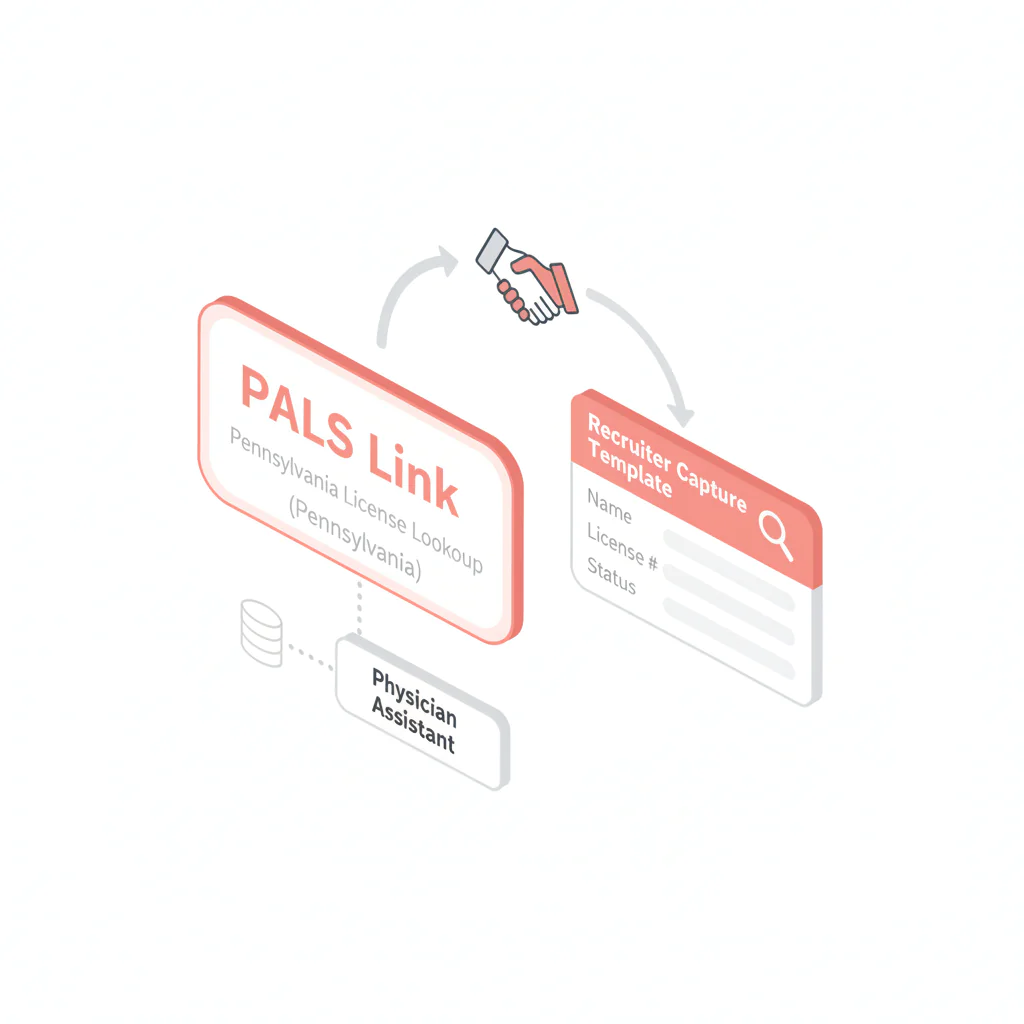
Ben Argeband, Founder & CEO of Heartbeat.ai — Directory + checklist.
Who this is for
This guide is for recruiters and staffing ops teams who need to verify a physician assistant license in Pennsylvania fast enough to support submittals and credentialing handoffs, without guessing at status language or losing the paper trail. In this article, “PA” refers to Pennsylvania, the state.
Physician assistant licensing rules vary by state. In Pennsylvania, use the official PALS portal to check the record, capture the same fields each time, and document what the portal displays.
Quick answer
- Core answer
- Use Pennsylvania’s official licensing portal (PALS) to pull the PA record, confirm identity against a license number where possible, record license status and expiration exactly as shown, and save the source link.
- Key insight
- Speed comes from standardization: one official portal, one capture template, and a dated verification note attached to every Pennsylvania submission.
- Best for
- Recruiters who need to verify PAs across multiple states without slowing down submittals.
Compliance & safety
Use this method for legitimate recruiting outreach only. Respect candidate privacy, opt-out requests, and local data laws. Heartbeat does not provide medical advice or legal counsel.
Why “just Google it” fails for PA verification
A common failure pattern is using a non-official directory, recording different fields than the rest of the team, and then having to repeat the check when a client asks for the source. Third-party directories may be outdated or mislabeled, so use the official portal and save the source link.
Standardizing on the Pennsylvania portal and one capture format can reduce repeated checks and make verification notes easier to review.
Step-by-step method
Step 1: Collect the two identifiers that prevent mismatches
- License number (preferred)
- Full legal name (as it appears on the license)
Name-only searches work, but expect duplicates and formatting differences, especially with common surnames.
Step 2: Use the official Pennsylvania portal (PALS)
Pennsylvania runs verification through the Pennsylvania Licensing System (PALS): https://www.pals.pa.gov/. The Bureau of Professional and Occupational Affairs manages licensing for physician assistants through the State Board of Medicine, and PALS is the system used for applications, renewals, and public verification.
Use the license verification/search function inside PALS. If you can’t find it quickly, route from the state’s Department of State licensing pages into PALS rather than defaulting to a third-party directory.
If PALS is unavailable, log the attempt with a date and time in the candidate record, retry later, and flag any time-sensitive submissions to your credentialing/compliance team.
Step 3: Search, then confirm identity before you record anything
- Best practice: search by license number.
- Fallback: search by name, then confirm using any additional identifiers shown (license type, city, etc.).
If multiple results come back, don’t guess. Ask the candidate to confirm their license number and exact name on file, then re-run the search.
Step 4: Capture the minimum fields that make your verification reusable
You’re trying to answer one question: what does Pennsylvania show for this person’s license today? Capture these fields the same way every time:
- Full name (as displayed)
- License number
- License status (exact term as displayed)
- Issue date and expiration/renewal date (whatever PALS displays)
- State (Pennsylvania)
- Any public action/discipline indicator (if shown)
- Source URL and checked date/time
Do not infer an expiration or renewal date from a general renewal pattern. Record the date displayed in PALS, or note that it is not shown.
Step 5: Save a verification trail in your ATS/CRM
Paste the source URL and a dated note into the candidate record. If your internal policy allows storing a PDF or screenshot, keep it in the same place every time so QA and clients can find it later.
Pennsylvania verification quick reference
Copy this into your team wiki alongside your capture fields.
| Field | Pennsylvania standard | Why it matters |
|---|---|---|
| Official portal | Pennsylvania Licensing System (PALS): https://www.pals.pa.gov/ | Single source of truth for your team; reduces rework and prevents “wrong site” verification notes. |
| Lookup key | License number preferred; name search only if needed | Prevents mismatches when names collide. |
| License status | Record the license status term exactly as displayed in PALS | Defensible documentation; avoids interpretation errors. |
| Dates | Capture issue date and expiration/renewal date as displayed (or “Not shown”) | Supports submission readiness and credentialing handoff. |
| Verification trail | Save source URL + checked date/time in ATS/CRM | Creates an audit trail for clients and internal QA. |
| Team standard | Lock PALS as the only approved verification source and require the standard capture note on every record | Stops portal drift where different recruiters use different links. |
Common pitfalls
1) Confusing certification with licensure
Recruiting teams sometimes see “certified” and treat it as “licensed.” These are different things. Certification is granted by a national body, while licensure is granted by the state. Use PALS for licensure verification and treat certification as separate context.
2) Recording an interpretation instead of the status term
Different portals use different language. Record exactly what PALS displays as the license status at the time you checked. If a status looks unusual, escalate to credentialing/compliance rather than guessing at what it means.
3) No audit trail
If you can’t show where and when you checked, expect to redo the same verification at submittal, offer, and start. Save the URL and checked timestamp in the candidate record the first time.
4) Name-only mismatches
Common names and formatting differences cause false matches. Make license number collection part of intake for any PA you plan to submit in Pennsylvania.
How to improve results
Standardize your capture note (copy/paste)
Use this exact note format in your ATS/CRM for Pennsylvania:
- State: Pennsylvania
- Portal: PALS (https://www.pals.pa.gov/)
- License #: [NUMBER]
- Name (as displayed): [NAME]
- License status (as displayed): [STATUS TERM]
- Expiration/Renewal: [DATE or “Not shown”]
- Public actions: [Yes/No/Not shown]
- Source link: [URL you used]
- Checked: [DATE/TIME + time zone]
Metric definition
License status (definition): the exact standing of a license as displayed by PALS at the time you checked (e.g., Active/Inactive/Expired). Record the displayed term and the state, not your own interpretation of it.
Measurement instructions
Track verification completion rate as completed Pennsylvania PA verification notes divided by total Pennsylvania PA submissions, reviewed weekly. When you find misses, check whether the root cause is missing license numbers at intake or inconsistent portal usage across the team.
Legal and ethical use
Use license verification for legitimate recruiting operations: confirming eligibility, reducing submission errors, and supporting credentialing workflows. Respect privacy, follow your internal access controls, and honor opt-out requests.
This page is not legal advice. If you see restrictions, disciplinary indicators, or unclear status language, route it to your credentialing/compliance process and the client’s requirements.
Evidence and trust notes
Pennsylvania’s official licensing portal for verification is PALS: https://www.pals.pa.gov/. Licensing and disciplinary records for physician assistants fall under the Bureau of Professional and Occupational Affairs and the State Board of Medicine.
NCCPA is a certification body, not a state licensing authority. Certification is not the same as state licensure and should not be represented as equivalent. Source: NCCPA.
For how Heartbeat evaluates data quality, sourcing, and verification practices, review: trust methodology and evidence standards.
Submission-readiness checklist
Use this to decide whether your Pennsylvania verification is ready to submit.
- 40% Official portal used (PALS) and link saved
- 25% Identity match confidence (license number matched; name as displayed recorded)
- 20% License status captured exactly as displayed
- 10% Expiration/renewal date captured (or “Not shown” documented)
- 5% Verification trail saved (URL + checked date/time in ATS/CRM)
The 90%+ figure is an internal QA target, not a Pennsylvania licensing requirement. Set and label any team threshold as an internal measure.
Outreach templates
Template 1: Pennsylvania license number request
Subject: Quick Pennsylvania license verification
Hi [First Name] — before I submit you in Pennsylvania, can you confirm your PA license number and the exact name on the license? I’m running a standard license verification and want to avoid mismatches. Thanks — [Your Name]
Template 2: Status term confirmation (no interpretation)
Subject: Confirming what the Pennsylvania portal shows
Hi [First Name] — the Pennsylvania portal shows your license status as “{Status Term}.” Can you confirm that’s current and whether there are any restrictions I should route to credentialing? I’m documenting the status term exactly as displayed. — [Your Name]
Template 3: Multi-state intake (prevents rework)
Subject: States you’re licensed in + license numbers
Hi [First Name] — to move fast, can you list the states where you hold a current PA license and the license number for each? I’ll verify each state record and keep it documented for submissions. — [Your Name]
FAQs
What site should I use for a physician assistant license lookup in Pennsylvania?
Use Pennsylvania’s official portal, the Pennsylvania Licensing System (PALS): https://www.pals.pa.gov/. Use the license verification/search function and document the source link you used.
What should I capture from the Pennsylvania license verification result?
Capture the name as displayed, license number, license status term exactly as shown, expiration/renewal date (or “Not shown”), and the source URL with the checked date/time.
What if I can’t find the PA in the Pennsylvania portal?
First confirm you have the correct state and license number. If you only have a name, try alternate spellings and initials. If it still doesn’t appear, ask the candidate to confirm the exact name on file and whether the license is issued in a different state.
Does NCCPA certification prove a PA is licensed in Pennsylvania?
No. NCCPA relates to certification and is not the same as a Pennsylvania state license. Use PALS for licensure verification.
Should I interpret “inactive” or “expired” statuses for the client?
Record the status term exactly as displayed and route interpretation to your credentialing/compliance process and the client’s requirements. Don’t translate status terms into conclusions in your submission notes.
Next steps
If you verify PAs across multiple states, build a state-by-state directory with one official verification URL per state and a standardized capture note. That’s how you keep speed-to-submittal high without creating compliance risk.
- Use the hub to find other state portals: state license lookup directory
- For outreach workflows that require better reachability, see: physician assistant contact data for recruiting workflows
- When you’re ready to operationalize sourcing + verification, start free search & preview data
About the Author
Ben Argeband is the Founder and CEO of Swordfish.ai and Heartbeat.ai. With deep expertise in data and SaaS, he has built two successful platforms trusted by over 50,000 sales and recruitment professionals. Ben’s mission is to help teams find direct contact information for hard-to-reach professionals and decision-makers, providing the shortest route to their next win. Connect with Ben on LinkedIn.

