


What’s on this page:
Key takeaways
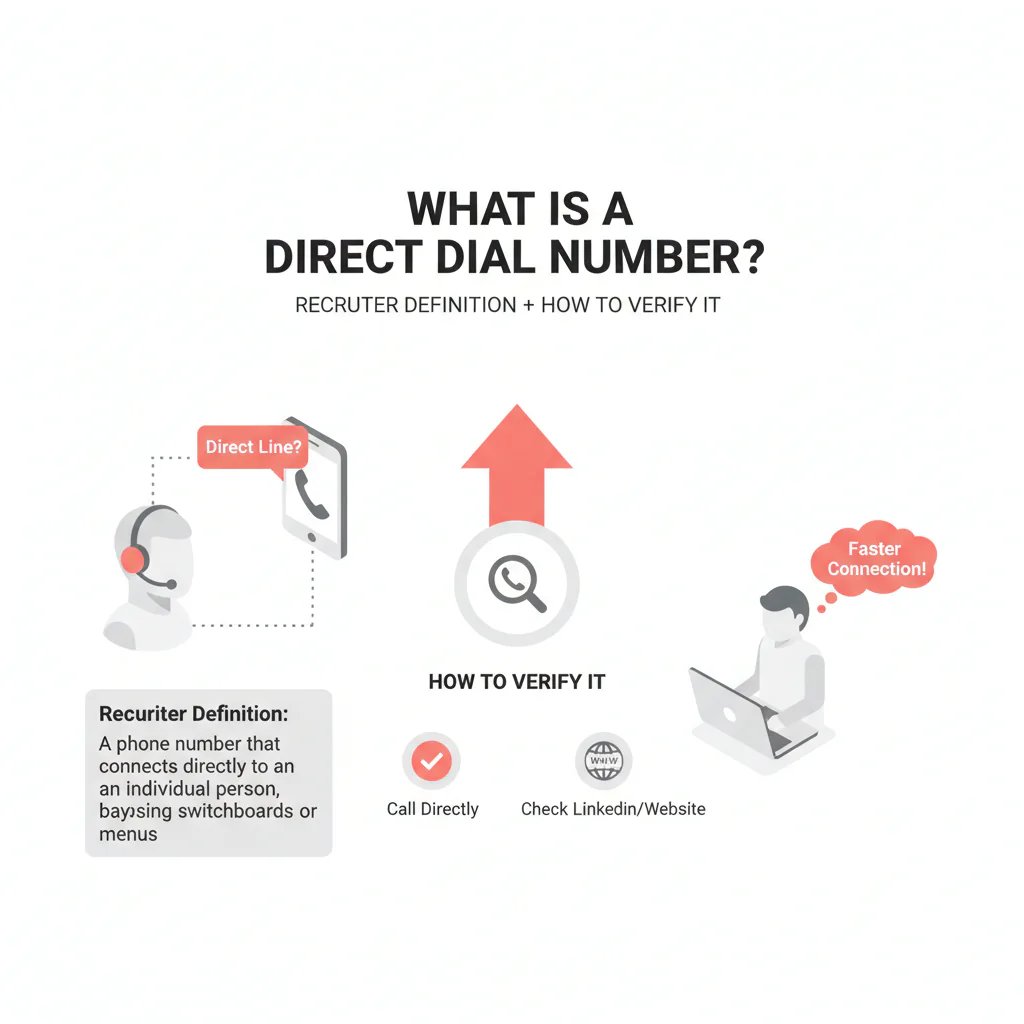
- A direct dial routes to a specific person or desk without going through a switchboard, main menu, or extension.
- Direct dial describes routing, not whether a number is an office line, VoIP endpoint, or mobile number.
- Check a number’s routing behavior and whether the person or office is correctly identified before relying on it.
- Record the routing outcome, party confirmation, best-known line type, and last-verified date.
- If a number reaches a switchboard or the wrong party, reclassify it and update the routing notes or suppress it as appropriate.
- Honor opt-out requests across channels and sequences.
Last updated: August 30, 2026
By Ben Argeband, Founder & CEO of Heartbeat.ai
Who this is for
For healthcare recruiters, a direct dial is a number that routes to a specific person or desk without a switchboard. This page explains how to check its routing and line type, and how to record what happens when you call.
Quick Answer
- Core Answer
- A direct dial number routes to a specific person or desk line without going through a switchboard, main menu, or extension.
- Key Insight
- Direct dial describes routing, not device type. It may be an office line or VoIP endpoint, so validate line type and recency before scaling outreach.
- Best For
- Recruiters trying to reach clinicians directly instead of navigating hospital or clinic phone trees.
Compliance & Safety
This method is for legitimate recruiting outreach only. Respect candidate privacy, opt-out requests, and applicable data and telemarketing laws. Heartbeat does not provide medical advice or legal counsel.
Match the channel to the number type
Missed connections can happen when the channel does not fit the number type. Match your approach to the number you have, then log the outcome so the next attempt is better informed.
A direct dial can help you bypass routing steps, but only if it still reaches the intended endpoint. Treat it according to its known line type — office line, VoIP, or mobile number — rather than assuming.
Diagnostic table
| Number type | What it usually routes to | How to recognize it in 1 call | Best first action | What to log in your CRM/ATS |
|---|---|---|---|---|
| Direct dial | A specific person or desk phone (not a general queue) | Rings straight through; no menu; voicemail greeting often identifies the person/office | Call during likely answer windows; leave a tight voicemail; follow with a short email | Outcome (answered/voicemail/no answer), party confirmation, line type, last verified date |
| Switchboard / IVR | Operator or automated menu | “Press 1 for…” or operator pickup | Only call if you have a name/department or an extension; otherwise switch channels | IVR path tried, best menu option, whether transfers are blocked |
| Extension-based | Internal endpoint behind a main number | Menu prompts for an extension or directory | Call main number + extension; save the successful path | Extension, IVR path, best time to reach |
| Office line | Front desk / scheduling / shared line | Front desk answers; may screen calls | Ask for best routing method (backline, extension, message protocol) | Gatekeeper notes, hours, routing instructions |
| VoIP | Softphone, forwarded line, ring group, or call center seat | May ring multiple times then route to a shared voicemail or queue behavior | Call once to observe behavior; if shared/queue-like, treat as office line | Observed behavior (direct vs shared), any transfer limitations |
| Mobile number | Personal device (varies) | Often answers outside clinic hours; voicemail may be personal | Use only with an appropriate consent posture; include clear opt-out handling | Consent basis (per your policy), opt-out status, last verified date |
Definitions for consistency: Direct dial means the call routes to a specific person or desk without a switchboard or extension. Line type means the underlying service classification — office line/landline, mobile number, or VoIP — which affects routing behavior and how you should use the number.
Step-by-step method
-
Confirm it’s direct by behavior, not by label. Call once. If you hit a menu, operator, or directory prompt, it isn’t functioning as a direct dial for recruiting purposes.
Direct dial vs switchboard vs extension
- Direct dial: rings straight through to a person or desk. It either answers or goes to a voicemail that identifies the intended office or person.
- Switchboard/IVR: you’re asked to press options or speak to an operator, such as “Press 1 for appointments” before reaching anyone.
- Extension-based: the system expects an extension or directory selection before connecting.
-
Classify the line type. Direct dial does not mean mobile — it can be a desk line or VoIP endpoint. Direct routing saves time, but a stale assignment wastes it fast if you’re not tracking recency.
-
Run a two-touch test before you scale.
- Touch 1 (call): one attempt during a realistic clinic answer window; note whether you reached a person, voicemail, or routing menu.
- Touch 2 (email): a short follow-up referencing the call and offering two time options.
-
Log four fields every time. This is what turns random dialing into a repeatable workflow:
- Routing outcome: direct ring, voicemail, IVR, operator, queue behavior
- Party confirmation: did the greeting or answer match the intended person or office?
- Line type: office line vs VoIP vs mobile number (best known)
- Last verified: date plus outcome, for example “voicemail matched name”
-
Route the next attempt based on what happened.
- If it behaved like direct: keep it as your primary call path; pair voicemail with an email follow-up.
- If it behaved like switchboard/IVR: stop treating it as direct; only call when you have an extension or a clear directory path.
- If it behaved like a shared or queue line (common with VoIP): treat it like an office line and ask for the best backline or routing method.
- If it was the wrong party: apologize, confirm the wrong number, suppress it, and re-verify before any retry.
-
Apply suppression immediately. If someone requests opt-out, suppress that number across every sequence and channel right away rather than trying again later.
Weighted checklist
Use this checklist to assess whether a number is a suitable first-touch direct dial. Score each item 0–2 (0 = no, 1 = unsure, 2 = yes). Total possible: 12.
- Direct routing confirmed: no switchboard/IVR (0–2)
- Correct party confirmed: live answer or voicemail greeting matches intended person/office (0–2)
- Line type known: office line vs VoIP vs mobile number (0–2)
- Recency known: you have a last verified date/outcome (0–2)
- Compliance handling ready: you can honor consent/opt-out requests reliably (0–2)
- Routing notes captured: your system stores IVR paths, best times, and gatekeeper notes (0–2)
Interpretation: 10–12 means it’s safe as your primary first-touch call path. 7–9 means use it, but re-verify quickly and pair with email. 6 or below means don’t build sequences around it — find a better route.
Outreach templates
Template 1: Direct dial voicemail (15–20 seconds)
Hi Dr. [Last Name], this is [Your Name]. I’m calling about a [role type] opportunity that matches your [setting/subspecialty]. If you’re open to a quick call, reply to my email or call me back at [your number]. If you’d rather not be contacted, tell me and I’ll opt you out.
Template 2: Switchboard/operator request
Hi, I’m trying to reach Dr. [Last Name] for a professional opportunity. What’s the best way to route a message or reach their office directly? If there’s an extension or department line I should use, I’m happy to note it.
Template 3: Follow-up email after a call attempt
Subject: Quick question, Dr. [Last Name]
Body: I tried calling and may have caught you between patients. I’m recruiting for a [role] with [one-line reason it fits]. Are you open to a 7-minute call this week? If not, reply “opt out” and I’ll stop.
Common pitfalls
-
Assuming direct dial means mobile. It doesn’t — direct dial is routing. A direct dial can be an office line or a VoIP endpoint, and treating it like a mobile channel can create compliance and candidate-experience issues.
-
Not tracking recency. Numbers get reassigned when clinicians change groups or clinics update phone systems. Without a “last verified” field, you can’t tell if you’re dialing a current endpoint or a recycled line.
-
Calling the same failed route repeatedly. If you hit an IVR twice, stop. Switch to a routing ask with the front desk or operator, or move to email.
-
Not documenting the successful path. When you do get through, capture the extension, IVR path, and best time window — that’s how you cut wasted dials across the team.
-
Opt-out leakage. If someone asks you to stop, suppress the number and channel so another sequence doesn’t hit them next week.
How to improve results
Improvement comes from routing discipline: fewer dials into phone trees, more attempts on verified endpoints, and better documentation. Track outcomes by number type and last-verified status, then use the results to guide future outreach.
What counts as “verified”
- Verified direct routing: the call rings straight through with no IVR, and you reach the intended office/person or their voicemail identifies them.
- Verified via transfer: an operator or front desk transfers you to the intended office/person and you confirm the endpoint.
- Not verified: you only reached an IVR, a generic voicemail, or a wrong party.
Measurement instructions
- Connect Rate = connected calls / total dials.
- Answer Rate = human answers / connected calls.
- Deliverability Rate = delivered emails / sent emails.
- Bounce Rate = bounced emails / sent emails.
- Reply Rate = replies / delivered emails.
Decision worksheet: number type to best first action
- If the call rings straight through with no IVR: treat as direct dial → call first → voicemail → email follow-up.
- If the call hits an IVR/switchboard: treat as switchboard → only call when you have an extension or directory path, otherwise email first and ask for the best routing method.
- If the call behaves like a shared line/queue (often VoIP): treat as office line → ask for backline/extension → document the path for reuse.
- If the number is confirmed mobile and your policy supports it: call first; if you text, include opt-out language and suppress on request.
- If line type is unknown: one call attempt plus one email → classify based on observed routing → then decide whether to scale.
Set up a weekly review that filters outreach lists by last-verified date and number type. Re-verify high-priority targets before increasing outreach.
Legal and ethical use
Recruiting outreach should be professional, transparent, and compliant with applicable telemarketing and data privacy rules:
- Be transparent. Say who you are and why you’re reaching out.
- Honor opt-out. If someone says stop, stop and suppress the number.
- Texting carries higher sensitivity. If you text, confirm you have an appropriate consent basis per your policy and always include opt-out instructions.
- Minimize stored data. Keep routing notes and verification outcomes, but avoid collecting unnecessary personal details.
Evidence and trust notes
This page separates two ideas that often get mixed up: direct dial describes routing to a specific person or desk, while line type — office line, VoIP, or mobile number — describes the underlying service. Keeping those distinctions clear can help teams reduce wrong-party contact and wasted dials.
- Heartbeat data quality and verification methodology
- FCC overview: Telephone Consumer Protection Act (TCPA)
FAQs
Is a direct dial number always a mobile number?
No. Direct dial is about routing to a specific person/desk without a switchboard. It can be an office line or a VoIP endpoint. Do not assume it’s mobile.
How can I confirm a number is direct dial without wasting a full sequence?
Make one call and log the routing outcome. If there’s no IVR and it rings straight through (or the voicemail greeting matches the intended person/office), treat it as direct. Then follow with a short email.
What should I do if a “direct” number hits a switchboard?
Reclassify it as switchboard/IVR in your system, stop treating it as a direct dial, and switch to a routing ask with the operator or front desk, or move to email to request the best path.
What fields should my team track to keep direct dials usable?
At minimum: number type, last verified date + outcome, routing notes (IVR path/extension), and opt-out status.
Does VoIP change how “direct” behaves?
Yes. Some VoIP setups forward, ring multiple endpoints, or behave like a shared line. If it acts like a queue or shared voicemail, treat it like an office line and ask for the best routing method.
What should I do if a “direct” number hits a switchboard?
Reclassify it as switchboard/IVR in your system, stop treating it as a direct dial, and switch to a routing ask (operator/front desk) or email to request the best path.
Does VoIP change how “direct” behave?
Yes. Some VoIP setups forward, ring multiple endpoints, or behave like a shared line. If it acts like a queue or shared voicemail, treat it like an office line and ask for the best routing method.
Next steps
- Implement the worksheet: add Number Type and Last Verified fields and require them before sequences go out.
- Standardize suppression: ensure opt-out requests are honored across every channel and sequence.
- See related verification resources: use the data quality & verification hub to standardize how your team labels and verifies contact routes.
- Start free search & preview data: start free search & preview data and build a call list that prioritizes verified routing paths.
About the Author
Ben Argeband is the Founder and CEO of Swordfish.ai and Heartbeat.ai. With deep expertise in data and SaaS, he has built two platforms used by sales and recruitment professionals. Ben’s mission is to help teams find direct contact information for hard-to-reach professionals and decision-makers. Connect with Ben on LinkedIn.

