


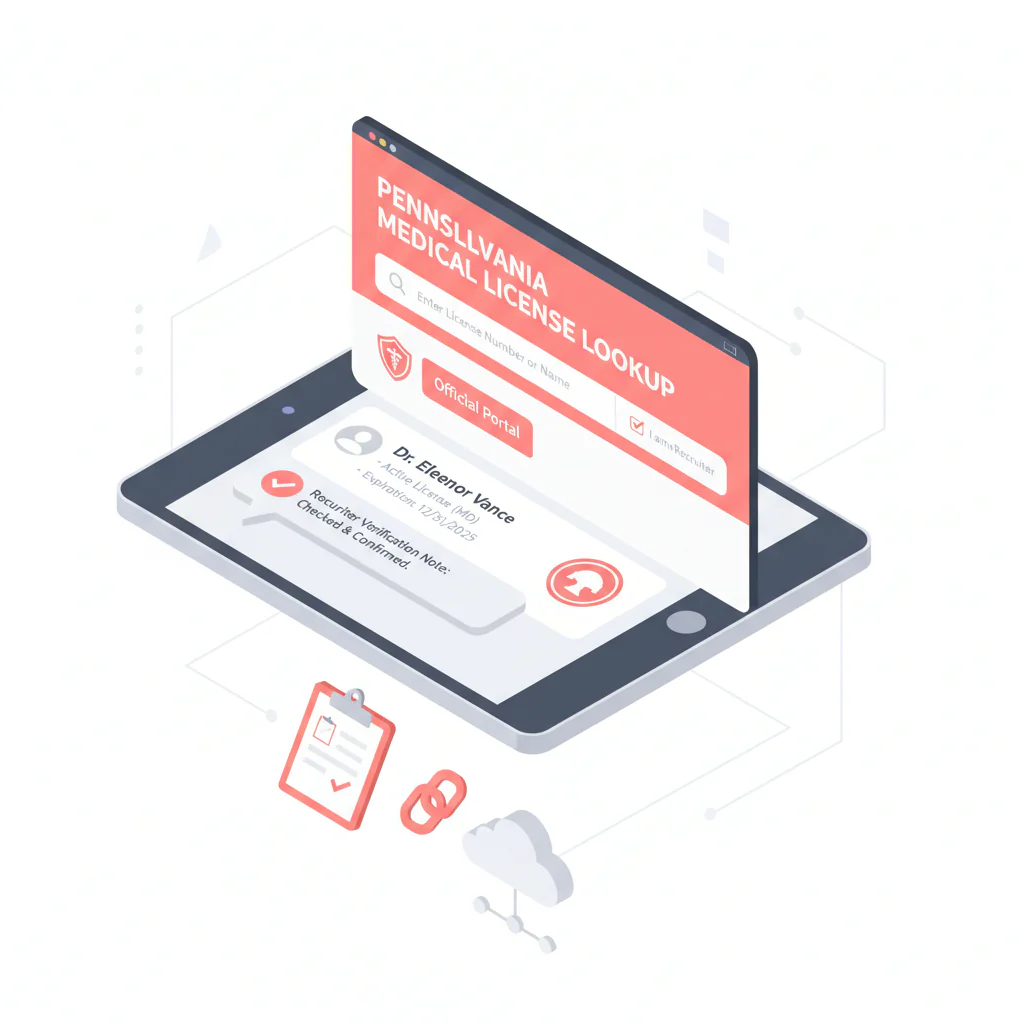
Pennsylvania medical license lookup
Ben Argeband, Founder & CEO of Heartbeat.ai — Recruiter checklist, no legal interpretation.
What’s on this page:
Who this is for
Recruiters verifying physicians in Pennsylvania who need an auditable, repeatable way to confirm identity and license status before outreach, submittal, or a credentialing handoff.
Quick Answer
- Core Answer
- Use Pennsylvania’s official licensing portal to confirm the physician’s identity, license status, and dates; then match to NPI and log proof for your file.
- Key Insight
- Name collisions happen. Reduce wrong-person outreach by pairing city with NPI and saving the board record link (or search inputs + timestamp).
- Best For
- Recruiters verifying physicians in Pennsylvania.
Compliance & Safety
This method is for legitimate recruiting outreach only. Always respect candidate privacy, opt-out requests, and local data laws. Heartbeat does not provide medical advice or legal counsel.
Framework: The “Verify Then Outreach” Rule: identity first, then contact
In physician recruiting, the fastest teams don’t skip verification—they standardize it. The workflow is:
- Verify identity (right person) using the board record plus NPI cross-check.
- Verify status (what the board shows today) and capture dates as displayed.
- Document proof (link or reproducible search trail) so your team can re-check without rework.
- Then outreach using your normal channel and opt-out handling.
The trade-off is… you spend a few minutes up front, but you avoid chasing the wrong physician and creating downstream credentialing friction.
Step-by-step method
Step 1: Start at the official Pennsylvania licensing portal
Use the Pennsylvania Department of State Professional Licensing page as your source of truth. From there, navigate to the license search and run your physician license search.
If you’re training a new recruiter, call this step “pa medical license lookup” in your SOP so it’s easy to find and repeat.
- Official starting point: Pennsylvania Department of State — Professional Licensing
Step 2: Search with the most specific identifier you have
- Best: license number (if you have it).
- Next best: full name + city (or other location signal).
- Always: confirm identity using NPI from your system before you mark anything “verified.”
Why this matters: name collisions are common in physician recruiting databases. Treat the board record as the identity anchor, then reconcile your CRM fields to it.
Step 3: Confirm identity before you record status
Identity confirmation is the step that prevents wrong-person outreach and wrong-person submittals. Confirm:
- Full name (including middle initial/suffix if present)
- City/location signal (as available)
- NPI match (from your ATS/CRM or your existing NPI source)
Step 4: Capture the minimum fields (recruiter-proof and auditable)
For each Pennsylvania verification, capture these fields in your ATS/CRM note or verification log:
- License status (exact wording as shown)
- Issue date (as displayed)
- Expiration/renewal date (as displayed, if present)
- License type (physician license designation shown)
- Board record linkout saved in the profile (URL if stable)
- If no stable link: portal page title + search inputs used + the exact name/license entry you clicked (as displayed) + timestamp
- Verification timestamp (date/time you checked)
- NPI used for identity match
Required definition (for consistency): License status = the current standing shown on the official licensing board record at the time you checked. Record it verbatim and do not interpret it as discipline or eligibility.
Step 5: Store proof in a way your team can reproduce
Recruiting ops breaks when “verified” means “someone glanced at it.” Use one of these proof methods:
- Preferred: save the board record URL in the profile.
- Fallback (PA-friendly): save a reproducible search trail: portal page title, search inputs, and verification timestamp.
This requires manual verification. If you’re doing volume, standardize the note format so anyone can re-check in under a minute.
Example verification note (copy/paste)
Paste this into your ATS/CRM note field and fill in the brackets:
- PA license verification (official portal): [date/time checked]
- Physician: [Full name as shown] | NPI: [10-digit NPI] | City: [City]
- License type: [as shown] | Status: [verbatim] | Issue: [date] | Exp/Renew: [date or “not shown”]
- Proof: [board URL] OR [portal page title + search inputs + exact entry clicked]
Step 6: Only after verification, proceed to outreach
Once identity and status are confirmed, move to contact. Keep the verification record attached to the profile so outreach and submittal teams are working from the same truth.
If you’re cleaning provider records at scale, use an NPI-to-license workflow so identity stays consistent across systems: NPI-to-license matching for cleaner provider records.
Diagnostic Table:
| What you’re seeing | What it means for recruiting ops | What to do next (fast) |
|---|---|---|
| Multiple physicians with the same name | High risk of false match and wrong outreach | Require city/location + NPI match before marking verified; add a “do not merge without NPI” note |
| Status wording is unclear or non-standard | Board-specific terminology; don’t infer eligibility | Record status verbatim; route to credentialing/compliance for interpretation (no recruiter interpretation) |
| Dates are missing or not obvious | Portal display can vary by license type | Capture what’s shown; add verification timestamp; set a re-check task closer to start date |
| Result page link isn’t stable or easy to share | Harder to audit later; rework risk | Log portal page title + search inputs + timestamp so another recruiter can reproduce the lookup |
Weighted Checklist:
PA verification CHECKLIST (fields to capture) — use this as your internal “definition of done” before outreach/submittal.
- (5 points) Identity confirmed with NPI + matching city/location signal
- (5 points) Physician license record found on the Pennsylvania licensing board portal
- (4 points) License status recorded verbatim from the board record
- (3 points) Issue date captured (as displayed)
- (3 points) Expiration/renewal date captured (as displayed, if present)
- (3 points) Proof saved: board URL or reproducible search trail (portal page title + search inputs + timestamp)
- (2 points) Verification timestamp logged in the profile note
- (2 points) Name-collision guardrail added (example: “Do not merge profiles unless NPI matches”)
Scoring guidance: 18+ points = ready for outreach; 14–17 = outreach allowed but flag for follow-up verification; under 14 = resolve identity/status gaps first.
Outreach Templates:
These templates assume you already completed the Pennsylvania medical license lookup and matched identity with NPI. Keep them short and easy to forward internally.
Template 1: Initial outreach (email)
Subject: Pennsylvania opportunity — quick question
Body: Hi Dr. [Last Name] — I’m recruiting for a [role] in [city/region]. I verified your Pennsylvania license record for accuracy and want to confirm interest before I send details. Are you open to a 5-minute call this week?
If you prefer no outreach, reply “opt out” and I’ll update my records.
Template 2: Identity clarification (when names collide)
Subject: Quick confirm — correct Dr. [Last Name]?
Body: Hi Dr. [Last Name] — I’m seeing multiple physicians with the same name in Pennsylvania. To make sure I’m contacting the right person, is your primary practice location in/near [City] and is your NPI ending in [last 4]?
Thanks — if not you, I’ll close this out.
Template 3: Phone opener (live or voicemail)
“Dr. [Last Name], this is [Name]. I’m calling about a [role] in [area]. I verified your Pennsylvania license record to avoid any mix-ups—can I send a one-paragraph overview and confirm if you’re open to a quick call?”
Common pitfalls
- Marking verified on a name-only match. Fix: require city/location + NPI match, then log proof.
- Treating status text as a disciplinary conclusion. Fix: record status verbatim and escalate interpretation to credentialing/compliance.
- No proof saved. Fix: store the board URL or a reproducible search trail with timestamp.
- Verification drift. Fix: re-check close to submittal/start date if your cycle time is long.
How to improve results
Make verification measurable so it doesn’t get skipped when the desk gets busy. Measure this by… Verification Completion Rate = (profiles with all required PA fields captured) / (profiles moved to outreach), reported per 100 profiles.
Measurement instructions (required):
- Create a required task in your ATS/CRM (example name: “PA License Verified”) with mandatory fields: status (verbatim), issue date, expiration/renewal date (if shown), proof (URL or search trail), timestamp, and NPI used.
- Run a weekly audit: sample a set of recently verified profiles and confirm the board record still matches the stored fields.
- Track rework: count how often submittals are delayed due to missing/incorrect verification fields, and feed that back into recruiter coaching.
Legal and ethical use
- Use official sources for verification and keep records for legitimate recruiting operations.
- Honor opt-out requests and minimize data retention to what your process requires.
- Do not interpret license status as discipline, eligibility, or legal standing. Heartbeat does not provide medical advice or legal counsel.
Evidence and trust notes
For Pennsylvania verification, rely on the official state portal and document what you checked so your team can reproduce it later.
- Official portal reference: PA Department of State — Professional Licensing
- How we evaluate sources and data handling: Heartbeat Trust Methodology
- Browse other states in this series: State license lookups hub
FAQs
What should I record from a Pennsylvania physician license record?
Record license status (verbatim), issue date, expiration/renewal date (if displayed), license type, proof (board URL or reproducible search trail), verification timestamp, and the NPI used to confirm identity.
How do I avoid verifying the wrong physician when names match?
Require a city/location signal and confirm identity using NPI before you mark the profile verified. If you can’t reconcile identity, don’t proceed to outreach.
How often should I re-check license status?
Re-check close to the decision point that matters (submittal, interview scheduling, or start date). If your cycle time is long, add a re-check task before final submission.
What if I can’t find the physician in the portal?
First, confirm spelling and try any alternate name formatting (middle initial, suffix). If you have a license number, use it. If you only have a name, broaden your search and then narrow using city/location and NPI from your system. If you still can’t reconcile identity, flag it for credentialing/compliance review rather than guessing.
Can I verify first and enrich contact data later?
Yes. Verification first prevents you from enriching and contacting the wrong person. If you’re cleaning records at scale, use an NPI-to-license matching workflow so identity stays consistent across systems.
Next steps
- Copy the PA verification note template into your ATS/CRM and make it required before outreach.
- If you’re reconciling identities across systems, use: NPI-to-license matching.
- If you need to move faster after verification, start free search & preview data.
About the Author
Ben Argeband is the Founder and CEO of Swordfish.ai and Heartbeat.ai. With deep expertise in data and SaaS, he has built two successful platforms trusted by over 50,000 sales and recruitment professionals. Ben’s mission is to help teams find direct contact information for hard-to-reach professionals and decision-makers, providing the shortest route to their next win. Connect with Ben on LinkedIn.

