


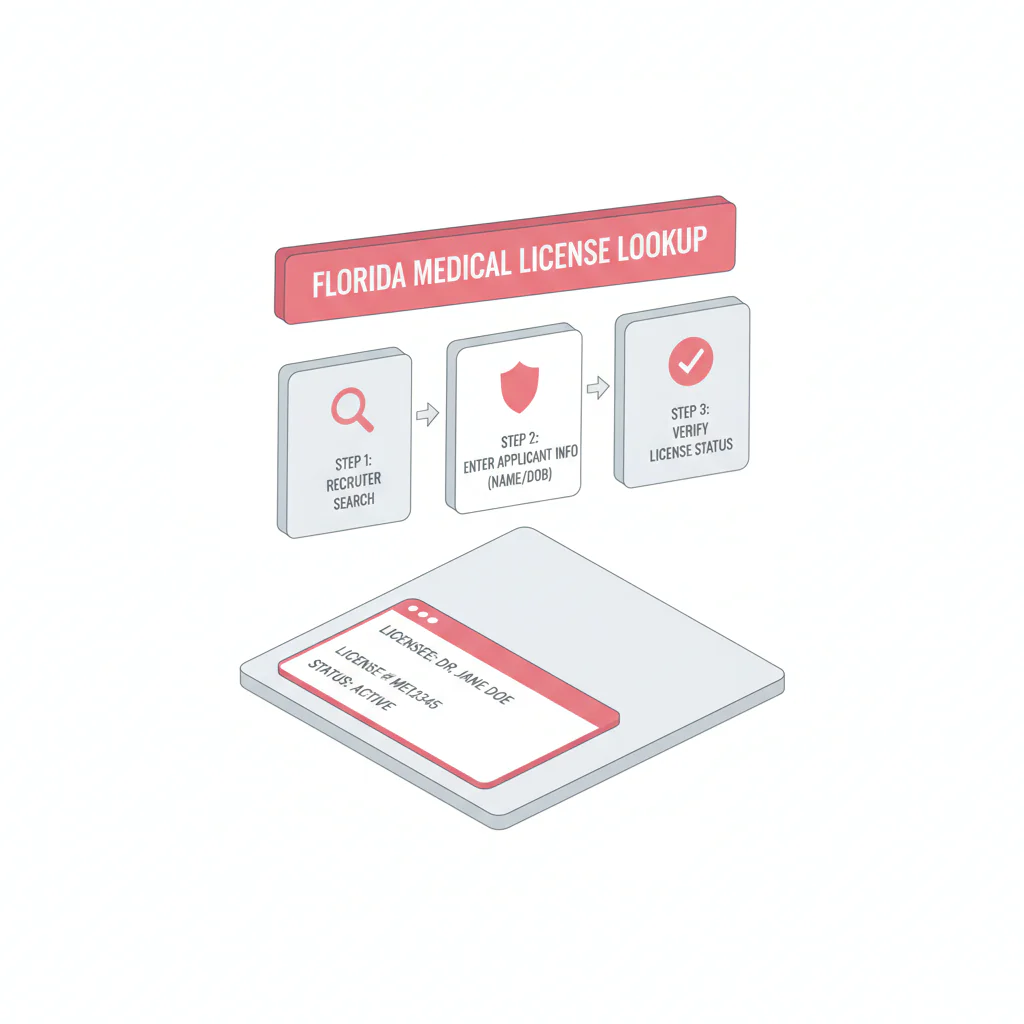
Florida medical license lookup
Ben Argeband, Founder & CEO of Heartbeat.ai — Keep it tight and practical.
What’s on this page:
Who this is for
This is for recruiters verifying physicians in Florida who need an audit-friendly verification note fast—so submittals don’t stall and credentialing doesn’t bounce the file back.
Quick Answer
- Core Answer
- Use the FL DOH license portal to confirm identity, license number, license type, and current status, then save the source URL and timestamp in your ATS note.
- Key Insight
- Verified = identity match + license number + exact status text + source URL + timestamp. Re-check at submittal and pre-start.
- Best For
- Recruiters verifying physicians in Florida.
Compliance & Safety
This method is for legitimate recruiting outreach only. Always respect candidate privacy, opt-out requests, and local data laws. Heartbeat does not provide medical advice or legal counsel.
Framework: The “Official Source” Rule: Verify on the FL DOH portal
In recruiting, you’ll see license details copied into CVs, emailed by candidates, and pasted into profiles. Treat those as leads, not proof. For Florida, verification should be anchored to the official FL DOH portal; the Florida Board of Medicine site is useful for context and navigation.
- Verify on the official portal: use the FL DOH lookup as the record of truth.
- Record fields + source link: fields are searchable; a source URL is auditable.
- Re-check at milestones: status can change; don’t rely on a single early check.
Step-by-step method
-
Open the official Florida license lookup portal.
Start on the Florida Department of Health portal and search the physician by license number when you have it. If not, search by name and narrow carefully.
- Official portal: Florida HealthSource (FL DOH) license lookup
- Board site (context/navigation): Florida Board of Medicine
-
Confirm you have the right physician (identity match).
Don’t assume the first result is correct. Confirm the match using at least two identifiers (for example: full name + city/address shown on the record, or full name + license number). If the name is common, open each candidate record until you can confirm the correct physician.
-
Capture the verification fields (copy/paste into your ATS note).
Capture the fields your downstream process will need. At minimum:
- Physician full name (as shown on the record)
- License type (confirm it is a physician license)
- License number
- Status (exact text as displayed)
- Issue date and expiration date (if displayed)
- Discipline section: record “section present/section not present” (no summary) and route to credentialing—do not interpret
- Source URL (the page you used) and a timestamp (date/time you checked)
-
Use a consistent license status definition.
License status definition (operational): “Status” is the current standing displayed by the official Florida record at the time you checked. For recruiting workflow, treat it as a go/no-go flag for proceeding to submission, and always re-check close to start date.
The trade-off is… moving fast with one check versus reducing downstream delays by re-checking at the moments that matter (submittal, offer, pre-start).
-
Log it so anyone can re-verify in under a minute.
In your ATS/CRM, store the license number, exact status text, and the source link. Add a task for the next re-check (for example: before interview scheduling or before offer).
-
If you also match NPI to license, do it after the official check.
Once you’ve confirmed the Florida record, match identifiers across systems to reduce duplicates and misroutes. Workflow: NPI-to-license matching for cleaner provider records.
ATS verification note format (copy/paste)
Florida license verified on [date/time ET] via FL DOH portal. Name: [name]. License type: [type]. License #: [#]. Status: [exact status text]. Expiration: [date if shown]. Discipline section: [present/not present]. Matched by: [License # or City/Address on record]. Source: [URL]. Next re-check: [date].
Florida record field map (what to capture and how to store it)
| Field on the FL DOH record | What you use it for | How to store it in your ATS/CRM | Common failure mode |
|---|---|---|---|
| License number | Unique identifier for the physician record | Dedicated field + include in verification note | Using a CV number that doesn’t match the portal |
| License type / profession | Confirms you’re verifying the correct credential | Record the exact label shown | Verifying the wrong credential type |
| Status (exact text) | Go/no-go for workflow progression | Paste exact status text + “checked at” timestamp | Paraphrasing status (creates disputes later) |
| Expiration date (if displayed) | Triggers re-check timing and pre-start validation | Date field + reminder task | No re-check task; status goes stale |
| City/address shown on record | Disambiguates common names | Store as “Matched by: City/Address on record” in note | Wrong-person match when multiple results exist |
| Discipline section presence | Flags that credentialing should review | “Section present/section not present” only | Recruiter interpretation or summary |
| Source URL + checked timestamp | Audit trail and fast re-verification | Paste URL + “Checked at (ET): …” | “I checked it last week” with no proof |
Need other states? Use the hub: State license lookups hub.
Diagnostic Table:
| Recruiting situation | What to check on FL DOH portal | What to record (so it’s reusable) | Decision |
|---|---|---|---|
| Multiple similar names returned | Open each record; confirm city/address field and license number; do not guess | License number + disambiguation note (e.g., “matched by city/address”) + source URL + timestamp | Proceed only when identity is confirmed |
| Candidate provides a license number | Search by license number; confirm name, license type, and status | Status (exact text) + expiration date (if shown) + source URL | Proceed; set re-check task |
| Status text is unexpected | Confirm you’re on the correct record; confirm license type; re-run search by license number if available | Exact status text + timestamp + source URL | Escalate to credentialing/compliance |
| Portal is slow or you can’t find the record | Try alternate spelling; search by last name only; request the exact license number from the physician | Search attempts + what identifier is missing | Pause submission until identity is confirmed |
Weighted Checklist:
Florida verification checklist (fields-to-capture) — paste this into your ATS note template and score it quickly.
- 5 points: License number captured from FL DOH portal (not from CV)
- 5 points: Status captured exactly as displayed + timestamp
- 4 points: License type confirmed as physician license
- 3 points: Expiration date recorded (if displayed)
- 3 points: Identity match confirmed with a second identifier (city/address shown on record or other)
- 2 points: Source URL saved in the record
- 2 points: Re-check task created (pre-interview or pre-offer)
Interpretation:
- 18–24: Submit-ready (verification note is audit-friendly)
- 12–17: Submit with caution (add a same-day re-check task)
- <12: Don’t submit yet (high risk of mismatch or stale status)
Uniqueness hook (CHECKLIST, Florida-specific): Add a required field called “Matched by (Florida record field)” with allowed values “License #” or “City/Address on FL DOH record”. This prevents wrong-person submissions when Florida searches return multiple physicians with the same name.
Outreach Templates:
Use these for legitimate recruiting outreach. Keep them short and focused on reducing back-and-forth.
Template 1: Candidate confirmation (license number request)
Subject: Quick Florida license confirmation for your submission
Hi Dr. [Lastname] — to keep your Florida submission moving, can you confirm your FL physician license number (or the exact name it’s under)? I’ll verify via FL DOH and log it so you don’t get asked twice.
— [Your Name]
Template 2: Internal note to credentialing
ATS/Credentialing note: Florida license verified on [date/time ET] via FL DOH portal. Name: [name]. License type: [type]. License #: [#]. Status: [exact status text]. Expiration: [date if shown]. Discipline section: [present/not present]. Source: [URL]. Next re-check: [date].
Template 3: Candidate follow-up when multiple matches exist
Hi Dr. [Lastname] — I’m seeing multiple Florida records under similar names. What city/address is your Florida license associated with, or can you share the license #? Once I match it, I’ll log the verification and we’re set.
Common pitfalls
- Using CV text as verification. Always verify on the FL DOH portal and store the source link.
- Recording “active” without the exact status text. Save the status exactly as displayed and include a timestamp.
- Wrong-person match on common names. Require “matched by license #” or “matched by city/address on record” in your note.
- Mixing up credential types. Confirm the license type is the physician license you need before you submit.
- Interpreting discipline details. Record “section present/section not present” and route to credentialing/compliance. Do not interpret.
Mini-case: common-name mismatch (Florida)
Two physicians with the same first/last name showed up in Florida results. A recruiter grabbed the first record and moved to submittal; credentialing flagged it because the city/address didn’t match the candidate. The fix was simple: require “Matched by (Florida record field)” in the ATS note and only allow “License #” or “City/Address on FL DOH record.” That one field prevents the wrong-person error without slowing the search down.
How to improve results
Speed comes from standardization: one note format, one set of required fields, and a re-check cadence that prevents last-minute surprises.
- Make “source URL + checked at” mandatory. If the link and timestamp aren’t in the record, it’s not verified.
- Use acceptance criteria for “verified.” Verified = identity match + license number + exact status text + source URL + timestamp.
- Schedule re-checks. Add a task at submittal and again pre-offer or pre-start.
Escalate when:
- You can’t confirm identity on the FL DOH record (multiple matches, missing identifiers).
- Status text is unexpected or unclear (capture exact text and route to credentialing/compliance).
- The discipline section is present (record presence only; route for review).
Measurement instructions (required): Measure this by… tracking the percent of Florida submissions that include (1) license number, (2) exact status text, and (3) source URL + timestamp in the ATS note. Review weekly and coach to the template.
Legal and ethical use
- This page is operational guidance for recruiters. It is not legal advice.
- Use official sources (FL DOH / Florida Board of Medicine) for verification and keep records minimal and job-relevant.
- Respect opt-outs and privacy requests. Don’t store sensitive data you don’t need for recruiting workflow.
- Do not interpret disciplinary information; route questions to credentialing/compliance.
Evidence and trust notes
We prioritize official sources and transparent methodology. See how we evaluate sources and handle updates: Heartbeat trust methodology.
Official Florida sources used in this workflow: (Last accessed: January 2026)
FAQs
What’s the fastest way to run a Florida medical license lookup for recruiting?
Use the FL DOH portal, search by license number when you have it, and record license number, exact status text, source URL, and timestamp in your ATS note.
What fields should I capture so credentialing doesn’t bounce the file back?
At minimum: physician name, license type, license number, status (exact text), issue/expiration dates if shown, plus the source URL and the date/time you checked.
What should I do if I can’t find the physician on the FL DOH portal?
Confirm spelling, try searching by last name only, and ask the physician for the exact license number or the exact name the license is under. Don’t submit until you can confirm identity on the official record.
How often should I re-check Florida license status during a search?
Re-check at least twice: once when you’re preparing a submission, and again close to offer/start. If the search runs long, add a periodic re-check task.
Can I use Heartbeat to start free search & preview data?
Yes—if you want to move from verification to outreach faster, you can start free search & preview data and keep the official-source verification step in your workflow.
How does this fit with NPI matching and record cleanup?
Verify the Florida record first, then use identifier matching to reduce duplicates and misroutes. Here’s the workflow: NPI-to-license matching.
Next steps
- Bookmark the official portal: FL DOH license lookup.
- Use the hub for other states: State license lookups.
- If you need to source and contact faster while keeping verification clean, start free search & preview data.
Internal label: “fl medical license lookup”
About the Author
Ben Argeband is the Founder and CEO of Swordfish.ai and Heartbeat.ai. With deep expertise in data and SaaS, he has built two successful platforms trusted by over 50,000 sales and recruitment professionals. Ben’s mission is to help teams find direct contact information for hard-to-reach professionals and decision-makers, providing the shortest route to their next win. Connect with Ben on LinkedIn.

