


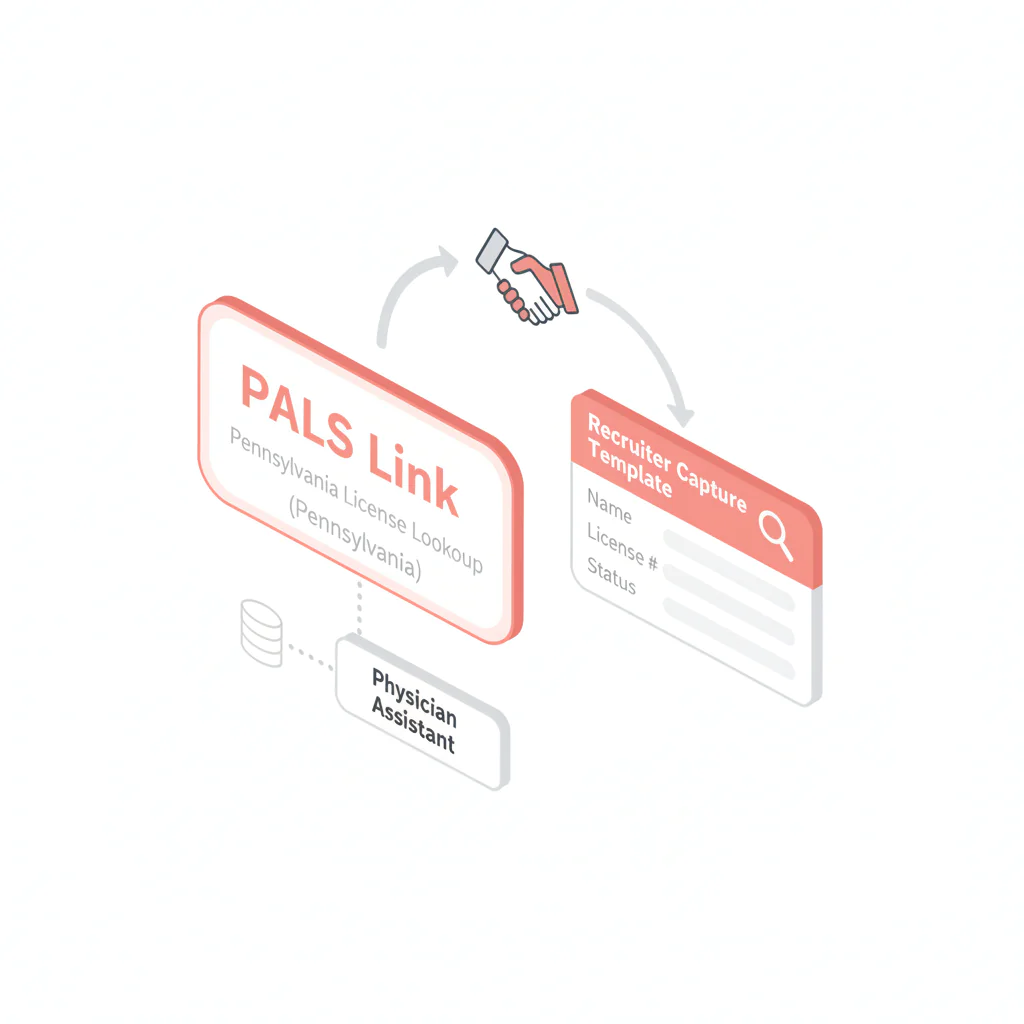
Physician assistant license lookup: Pennsylvania verification workflow
Ben Argeband, Founder & CEO of Heartbeat.ai — Directory + checklist.
What’s on this page:
Who this is for
This is for recruiters and staffing ops teams who need to verify a physician assistant license in Pennsylvania quickly enough to support submittals and credentialing handoffs—without guessing, over-interpreting, or losing the audit trail. In this article, “PA” refers to Pennsylvania.
PAs may be regulated under a state medical board in some states and a different licensing structure in others. In Pennsylvania, the practical requirement is the same: use the official state portal, capture the same fields every time, and document what you saw.
Quick Answer
- Core Answer
- Use Pennsylvania’s official licensing portal (PALS) to verify the PA record, confirm identity, record license status and expiration exactly as shown, and save the source link.
- Key Insight
- Speed comes from standardization: one official portal link, one capture template, and a dated verification note for every Pennsylvania submission.
- Best For
- Recruiters verifying PAs quickly across states.
Compliance & Safety
This method is for legitimate recruiting outreach only. Always respect candidate privacy, opt-out requests, and local data laws. Heartbeat does not provide medical advice or legal counsel.
Framework: The “Board Depends on State” Reality: don’t assume one site
For a physician assistant license lookup, the failure mode is predictable: someone uses a non-official page, captures different fields than the rest of the team, and then the submission gets kicked back when a client asks for proof.
The trade-off is… you’ll spend a few minutes locking in the correct Pennsylvania portal and a single capture format, but you’ll stop re-checking the same license multiple times across the funnel.
Step-by-step method
Step 1: Collect the two identifiers that prevent mismatches
- License number (preferred)
- Full legal name (as it appears on the license)
If you only have a name, you can still search, but you should expect duplicates and formatting differences.
Step 2: Use the official Pennsylvania portal (PALS)
Pennsylvania uses the Pennsylvania Licensing System (PALS). Start here: https://www.pals.pa.gov/.
From PALS, use the license verification/search function and run your lookup. If you can’t find the verification function quickly, route from the state’s licensing/board site to PALS rather than using third-party directories.
If PALS is unavailable, document the attempt (date/time) in the candidate record, re-check later, and route any time-sensitive submissions to your credentialing/compliance process for guidance on timing and client requirements.
Step 3: Search, then confirm identity before you record anything
- Best practice: search by license number.
- Fallback: search by name, then confirm using any additional identifiers shown (license type, city, etc.).
If multiple results appear, do not guess. Ask the candidate to confirm their license number and the exact name on file, then re-run the search.
Step 4: Capture the minimum fields that make your verification reusable
For recruiting ops, you’re trying to answer: “What does Pennsylvania show for this person’s license today?” Capture these fields consistently:
- Full name (as displayed)
- License number
- License status (exact term as displayed)
- Issue date and expiration/renewal date (whatever PALS displays)
- State (Pennsylvania)
- Any public action/discipline indicator (if shown)
- Source URL and checked date/time
Step 5: Save a verification trail in your ATS/CRM
Paste the source URL and a dated note into the candidate record. If your process allows storing a PDF/screenshot, follow your internal policy and store it in the same place every time.
Diagnostic Table:
Pennsylvania directory entry (copy into your team wiki) + capture fields.
| Field | Pennsylvania standard | Why it matters |
|---|---|---|
| Official portal | Pennsylvania Licensing System (PALS): https://www.pals.pa.gov/ | Single source of truth for your team; reduces rework and prevents “wrong site” verification notes. |
| Lookup key | License number preferred; name search only if needed | Prevents mismatches when names collide. |
| License status | Record the license status term exactly as displayed in PALS | Defensible documentation; avoids interpretation errors. |
| Dates | Capture issue date and expiration/renewal date as displayed (or “Not shown”) | Supports submission readiness and credentialing handoff. |
| Verification trail | Save source URL + checked date/time in ATS/CRM | Creates an audit trail for clients and internal QA. |
| Uniqueness hook (DIRECTORY_TABLE) | Create a Pennsylvania-only directory entry with the PALS link and a required capture note template. Lock it as the only approved verification source. | Stops portal drift (different recruiters using different links) and makes your process repeatable. |
Common pitfalls
1) Confusing certification with licensure
Recruiting teams sometimes see “certified” and treat it as “licensed.” Don’t. Certification and state licensure are different. Use Pennsylvania’s official portal for licensure verification and treat certification as separate context.
2) Recording an interpretation instead of the status term
Different portals use different language. Record what PALS displays as the license status at the time you checked. If a status looks unusual, escalate it to credentialing/compliance.
3) No audit trail
If you can’t show where you checked and when, you’ll rework the same verification during submittal, offer, and start. Save the URL and checked timestamp in the candidate record.
4) Name-only mismatches
Common names and formatting differences cause false matches. Make license number collection part of intake for any PA you plan to submit in Pennsylvania.
How to improve results
Standardize your capture note (copy/paste)
Use this exact note format in your ATS/CRM for Pennsylvania:
- State: Pennsylvania
- Portal: PALS (https://www.pals.pa.gov/)
- License #: [NUMBER]
- Name (as displayed): [NAME]
- License status (as displayed): [STATUS TERM]
- Expiration/Renewal: [DATE or “Not shown”]
- Public actions: [Yes/No/Not shown]
- Source link: [URL you used]
- Checked: [DATE/TIME + time zone]
Metric definition (required)
License status (definition): the exact standing of a license as displayed by the official Pennsylvania licensing authority at the time you checked (e.g., Active/Inactive/Expired). Record the displayed term and the state.
Measurement instructions (required)
Measure this by… tracking Verification Completion Rate as: completed Pennsylvania PA license verification notes / total Pennsylvania PA submissions, per week. Review misses to see whether the root cause is missing license numbers at intake or inconsistent portal usage.
Legal and ethical use
Use license verification for legitimate recruiting operations: confirming eligibility, reducing submission errors, and supporting credentialing workflows. Respect privacy, follow your internal access controls, and honor opt-out requests.
This page is not legal advice. If you see restrictions, disciplinary indicators, or unclear status language, route it to your credentialing/compliance process and the client’s requirements.
Evidence and trust notes
Pennsylvania’s official licensing portal for verification is PALS: https://www.pals.pa.gov/.
NCCPA is a certification body. Certification is not the same as state licensure and should not be represented as equivalent. Source: NCCPA.
For how Heartbeat evaluates data quality, sourcing, and verification practices, review: trust methodology and evidence standards.
Weighted Checklist:
Use this to decide whether your Pennsylvania verification is submission-ready.
- 40% Official portal used (PALS) and link saved
- 25% Identity match confidence (license number matched; name as displayed recorded)
- 20% License status captured exactly as displayed
- 10% Expiration/renewal date captured (or “Not shown” documented)
- 5% Verification trail saved (URL + checked date/time in ATS/CRM)
Internal QA target: 90%+ before submittal.
Outreach Templates:
Template 1: Pennsylvania license number request
Subject: Quick Pennsylvania license verification
Hi [First Name] — before I submit you in Pennsylvania, can you confirm your PA license number and the exact name on the license? I’m running a standard license verification and want to avoid mismatches. Thanks — [Your Name]
Template 2: Status term confirmation (no interpretation)
Subject: Confirming what the Pennsylvania portal shows
Hi [First Name] — the Pennsylvania portal shows your license status as “{Status Term}.” Can you confirm that’s current and whether there are any restrictions I should route to credentialing? I’m documenting the status term exactly as displayed. — [Your Name]
Template 3: Multi-state intake (prevents rework)
Subject: States you’re licensed in + license numbers
Hi [First Name] — to move fast, can you list the states where you hold a current PA license and the license number for each? I’ll verify each state record and keep it documented for submissions. — [Your Name]
FAQs
What site should I use for a physician assistant license lookup in Pennsylvania?
Use Pennsylvania’s official portal, the Pennsylvania Licensing System (PALS): https://www.pals.pa.gov/. Use the license verification/search function and document the source link you used.
What should I capture from the Pennsylvania license verification result?
Capture the name as displayed, license number, license status term exactly as shown, expiration/renewal date (or “Not shown”), and the source URL with the checked date/time.
What if I can’t find the PA in the Pennsylvania portal?
First confirm you have the correct state and license number. If you only have a name, try alternate spellings and initials. If it still doesn’t appear, ask the candidate to confirm the exact name on file and whether the license is issued in a different state.
Does NCCPA certification prove a PA is licensed in Pennsylvania?
No. NCCPA relates to certification and is not the same as a Pennsylvania state license. Use PALS for licensure verification.
Should I interpret “inactive” or “expired” statuses for the client?
Record the status term exactly as displayed and route interpretation to your credentialing/compliance process and the client’s requirements. Don’t translate status terms into conclusions in your submission notes.
Next steps
If you verify PAs across multiple states, build a state-by-state directory with one official verification URL per state and a standardized capture note. That’s how you keep speed-to-submittal high without creating compliance risk.
- Use the hub to find other state portals: state license lookup directory
- For outreach workflows that require better reachability, see: physician assistant contact data for recruiting workflows
- When you’re ready to operationalize sourcing + verification, start free search & preview data
About the Author
Ben Argeband is the Founder and CEO of Swordfish.ai and Heartbeat.ai. With deep expertise in data and SaaS, he has built two successful platforms trusted by over 50,000 sales and recruitment professionals. Ben’s mission is to help teams find direct contact information for hard-to-reach professionals and decision-makers, providing the shortest route to their next win. Connect with Ben on LinkedIn.

