


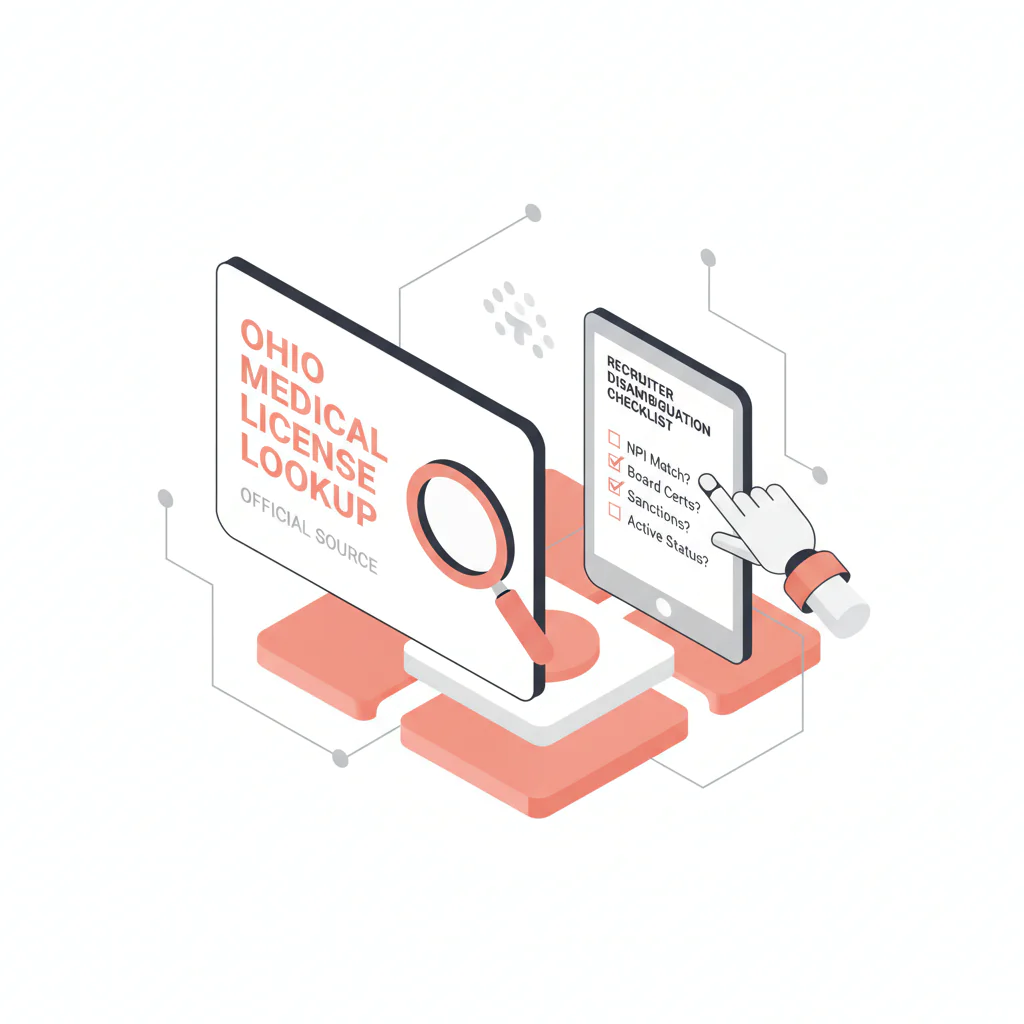
Ohio medical license lookup
Ben Argeband, Founder & CEO of Heartbeat.ai — Practical, recruiter-first.
What’s on this page:
Who this is for
This is for recruiters verifying physicians in Ohio who need a repeatable way to find the right record fast, avoid same-name mistakes, and document verification so credentialing and clients don’t send you back to redo work.
Quick Answer
- Core Answer
- Use the State Medical Board of Ohio’s official licensee search, then confirm identity with city, NPI, and specialty before recording status and dates in your ATS.
- Key Insight
- Most lookup errors are same-name collisions. Require two identifiers beyond name (recommended: city + NPI) before marking a record verified.
- Best For
- Recruiters verifying physicians in Ohio.
Compliance & Safety
This method is for legitimate recruiting outreach only. Always respect candidate privacy, opt-out requests, and local data laws. Heartbeat does not provide medical advice or legal counsel.
If you get multiple matches:
- Do not mark verified on name alone.
- Match by city + NPI (then specialty as a third check).
- Save a verification snapshot (source URL + checked timestamp + status label verbatim).
Framework: The “Same Name” Fix: match by city + NPI + specialty
In Ohio, the fastest way to create rework is to treat a name match as a confirmation. Your workflow should assume collisions and force a second and third identifier before you move a candidate forward.
- City: Match the city/locality you have from CV, facility history, or outreach notes.
- NPI: Use NPI as the stable identifier across systems.
- Specialty: Use specialty as a sanity check, not as the only match key.
The trade-off is… you spend an extra minute up front, but you avoid wrong-person outreach and “please re-verify” loops that slow submittals.
Step-by-step method
Step 1: Use the official Ohio source (and capture a verification snapshot)
Start on the State Medical Board of Ohio website and use the licensee search on med.ohio.gov.
Search order (fast + repeatable):
- Search by last name.
- Add first name if needed.
- Add city/locality to narrow results.
- Use license number if you have it (from CV or credentialing packet) to reduce collisions.
Verification snapshot (copy into ATS/CRM):
- Checked on (date/time)
- Source: State Medical Board of Ohio (med.ohio.gov)
- Source URL saved (the page you used) + checked timestamp
- Search inputs used (name, city/locality, license number if used)
- Record identifiers captured (license number if shown; name as displayed)
- Status label (store verbatim as displayed)
- Expiration date (if shown)
- City/locality on the record (if shown)
- Disambiguation notes (what you matched: city, NPI, specialty)
Step 2: Run the Ohio disambiguation checklist before you mark “verified”
When you see multiple similar results, do not guess. Apply the checklist in the micro-asset below and only mark verified when you can match at least two independent identifiers beyond name.
If you maintain provider records across systems, standardize NPI as your anchor identifier and reconcile it to license records consistently. See: NPI-to-license matching for cleaner provider records.
Step 3: Use a simple decision rubric (Verified vs Needs confirmation vs Do not proceed)
- Verified: You matched the record to the correct person using two identifiers beyond name (recommended: city + NPI), and you recorded the verification snapshot.
- Needs confirmation: Multiple plausible matches exist, or you only have a name match. Create a task to obtain one more identifier (NPI, middle name/initial, prior practice city, or training location).
- Do not proceed: You cannot confidently match identity after attempting to obtain additional identifiers. Keep the record unverified and avoid representing it as confirmed.
Step 4: If you need to contact the candidate to confirm identity, keep it tight
Ask for the minimum needed to resolve the collision (NPI + current city). Avoid collecting unnecessary personal data.
Diagnostic Table:
| What you’re seeing | What it usually means | Fastest safe next step | What to record |
|---|---|---|---|
| Multiple results with the same first/last name | Same-name collision | Use city + NPI + specialty to disambiguate; do not mark verified on name alone | Which identifiers you matched (city, NPI, specialty) |
| Record city doesn’t match your profile | Moved practices, outdated profile, or wrong person | Check recent work history; confirm NPI; if still mismatched, keep as Needs confirmation | Mismatch note + what you used to attempt match |
| Status label is present but your team interprets it differently | Internal inconsistency, not a “board problem” | Store the status label verbatim and route using your internal category (OK to submit vs needs review) | Status label + internal category + checked date/time |
| No result found | Name variation, typo, or wrong category | Try alternate spelling, middle initial, or license number if available; confirm you’re searching the correct profession/type | Search inputs attempted |
| Expiration date isn’t shown (or you can’t find it) | Record display varies by license type or view | Record the status label verbatim, save the source URL + timestamp, and route internally as Needs confirmation if your client requires an expiration date | Status label + “expiration not shown” note + source URL + checked timestamp |
Common pitfalls
- Marking verified without two identifiers beyond name. This creates wrong-person outreach and submittal rework.
- Not recording a verification snapshot. If credentialing asks “how did you confirm,” you shouldn’t have to redo the search.
- Over-interpreting public information. Record what the board displays; don’t infer meaning beyond the label shown. This page is not legal advice and does not interpret discipline.
- Letting collisions slow submittals. Use a consistent checklist and decision rubric so any recruiter on your team reaches the same outcome.
How to improve results
Use consistent definitions (so your team’s notes are auditable)
- License status definition: The status label shown on the official board record at the time you checked (store it verbatim), plus your internal routing category (e.g., OK to submit vs needs review).
- Disambiguation definition: Confirming the license record belongs to the correct individual by matching at least two independent identifiers beyond name (recommended: city + NPI; add specialty as a third check).
Measurement instructions (required)
Measure this by… tracking two workflow metrics in your ATS/CRM for Ohio verifications:
- Verification cycle time: time from “verification started” to “verification recorded” (use timestamps).
- Rework rate: number of verifications later corrected / total verifications (per 100 verifications).
If rework rate is high, tighten your “Verified” gate: require city + NPI (or two identifiers beyond name) before a record can be marked verified.
Weighted Checklist:
Ohio Same-Name Disambiguation Checklist (CHECKLIST)
Use this when two or more results look plausible. This requires manual verification. Mark Verified only when you can support the match with at least two independent identifiers beyond name.
- Required (must have): NPI match or two other identifiers beyond name (e.g., city + middle initial + specialty)
- Strong match signals:
- NPI matches the candidate’s NPI
- City/locality matches recent work history
- Specialty aligns with the role and the candidate’s stated specialty
- Supporting signals:
- Middle initial/suffix matches
- Training location or prior practice city matches a known resume item
What to do if you can’t match: Set status to Needs confirmation, assign a task to obtain NPI or another identifier, and do not represent the record as confirmed.
Outreach Templates:
Template 1: Candidate confirmation (same-name collision)
Subject: Quick confirmation for Ohio license record
Hi Dr. [Last Name] — I’m updating our records for an Ohio opportunity. To make sure I’m matching the correct physician license record, can you confirm your NPI and the city you currently practice in? Thanks — [Your Name]
Template 2: Internal ATS note (verification snapshot)
Ohio license verification — Source: State Medical Board of Ohio (med.ohio.gov). Source URL: [paste]. Checked: [date/time]. Search inputs: [inputs]. Result: Status “[status label]”, Exp [date if shown], City [city if shown]. Identity match: [city + NPI + specialty] (or list identifiers used). Decision: [Verified / Needs confirmation / Do not proceed].
Template 3: Client-facing (factual, non-interpretive)
We checked the candidate’s Ohio physician license record on [date] via the State Medical Board of Ohio and documented the status label and dates in our file. Identity was confirmed using NPI and city.
Legal and ethical use
Use license lookup data for legitimate recruiting operations: verification, credentialing readiness, and accurate recordkeeping. Respect opt-out requests and privacy preferences, and follow applicable data laws.
Boundaries: This page is not legal advice, and it does not interpret disciplinary history or make judgments about fitness to practice. If your process requires legal or compliance review, route the record to your internal counsel/compliance team.
Evidence and trust notes
Authoritative source for Ohio license verification: State Medical Board of Ohio.
How we evaluate sources and keep lookup workflows consistent: Heartbeat trust methodology.
For the broader directory of state workflows, see: State license lookups hub.
FAQs
What’s the official source for an Ohio medical license lookup?
The official source is the State Medical Board of Ohio website (med.ohio.gov). Use their licensee search, then document what you found and when you checked it.
How do I avoid matching the wrong physician when names are the same?
Require two identifiers beyond name before you mark verified. The most operationally reliable combo is city + NPI, with specialty as a third check.
What should I record in my ATS after I check an Ohio license record?
Record the source, source URL, date/time checked, search inputs, the status label exactly as displayed, expiration date (if shown), city/locality (if shown), and the identifiers you used to confirm identity (city/NPI/specialty).
What does “license status” mean in a recruiting workflow?
It means the status label shown on the official record at the time you checked (stored verbatim), plus your internal routing category (OK to submit vs needs review) so your team handles edge cases consistently.
Next steps
- Standardize your verification snapshot fields across states using the state license lookups hub.
- Reduce same-name collisions by operationalizing NPI-to-license matching in your data hygiene workflow.
- If you want to build a faster sourcing-to-verification workflow, start free search & preview data.
Note: If you landed here for oh medical license lookup, the workflow above is designed to be fast, auditable, and safe for recruiting use.
About the Author
Ben Argeband is the Founder and CEO of Swordfish.ai and Heartbeat.ai. With deep expertise in data and SaaS, he has built two successful platforms trusted by over 50,000 sales and recruitment professionals. Ben’s mission is to help teams find direct contact information for hard-to-reach professionals and decision-makers, providing the shortest route to their next win. Connect with Ben on LinkedIn.

