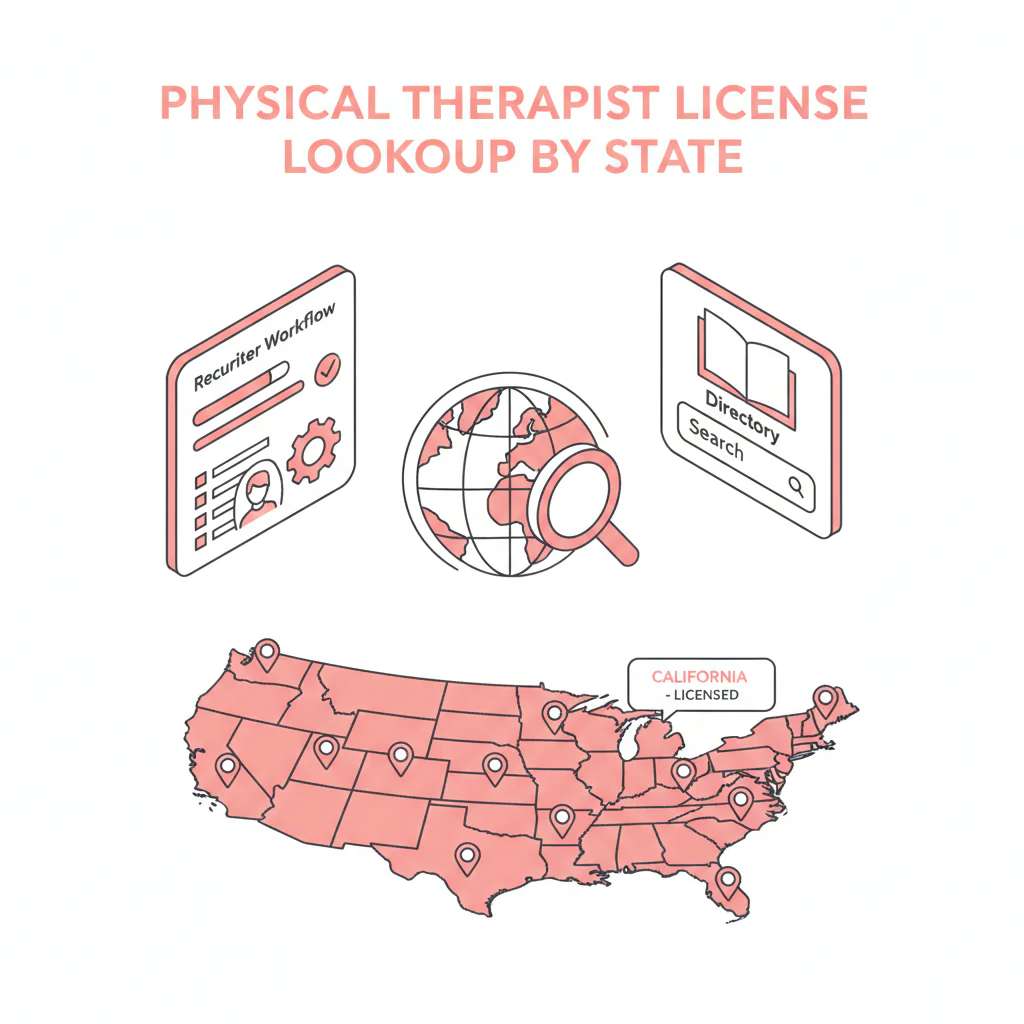
Physical therapist license lookup by state
By Ben Argeband, Founder & CEO of Heartbeat.ai — Directory + checklists.
What’s on this page:
Who this is for
This hub is for recruiters verifying PTs across states who need a fast, defensible way to confirm a record, log license status, and keep the req moving. PT licensure is state-based, portals vary by state, and “quick checks” can quietly eat your day if you don’t standardize what you capture.
Scope note: PT licenses are state-based. Your job here is to log status and identifiers from official sources and route exceptions. Don’t interpret what a status “means” clinically or legally.
On this page
- Quick Answer
- Framework
- Step-by-step method
- Micro-Asset: Diagnostic Table
- Micro-Asset: Weighted Checklist
- Micro-Asset: Outreach Templates
- Evidence and trust notes
- FAQs
Quick Answer
- Core Answer
- Use each state licensing authority portal to confirm a PT’s license status, capture identifiers and dates, and record the source and timestamp for your recruiting file.
- Key Insight
- “By state” matters: the fastest workflow is a consistent capture template plus an exception queue for mismatches, missing records, or unclear statuses.
- Best For
- Recruiters verifying PTs across states.
Compliance & Safety
This method is for legitimate recruiting outreach only. Always respect candidate privacy, opt-out requests, and local data laws. Heartbeat does not provide medical advice or legal counsel.
Framework: The “Capture + Move On” Rule: verification shouldn’t eat your day
Verification is a workflow problem. The “Capture + Move On” rule keeps you fast:
- Capture the minimum set of fields that makes your file defensible and your handoffs clean.
- Move on immediately after capture, unless you hit a defined exception.
The trade-off is… you won’t resolve every edge case in the moment. You’ll route edge cases to an exception queue (or credentialing/compliance) so recruiting motion doesn’t stall.
Step-by-step method
Step 1: Start with the hiring state
PT licenses are state-based. Start with the state where the candidate will practice (or the state tied to the job). If the candidate lists multiple states, verify the job state first, then the candidate’s home state if needed for context.
Step 2: Route to the correct licensing authority (FSBPT → state portal)
Don’t trust random “board lookup” pages from search results. Use the Federation of State Boards of Physical Therapy (FSBPT) directory to identify the correct licensing authority for that state, then open the authority’s official license verification/lookup page (or the authority contact page if verification is not public).
- Open the FSBPT licensing authority directory.
- Select the state you need.
- Use the authority’s official lookup/verification instructions to reach the correct portal.
What changes across states (so you don’t get stuck)
- Search inputs: some portals prefer license number; others are name-first and return many matches.
- Deep links: some portals don’t allow stable record URLs; record portal name + authority name when needed.
- Update timing: renewals and new issuances may not appear immediately; route to exceptions instead of stalling.
Step 3: Run the physical therapist license lookup using the best identifier you have
For a physical therapist license lookup, the cleanest match usually comes from:
- License number (best when the candidate provides it)
- Full legal name (watch hyphens, suffixes, middle initials)
- City/county filters (when available)
If the portal returns multiple matches, don’t guess. Confirm identity using secondary fields (address, license type, issue date) or request the license number.
Name mismatch playbook (fast, compliant)
- Try the candidate’s name with and without middle initial.
- Try hyphenated/previous last names if the candidate mentions a change.
- Try removing suffixes (Jr., III) if the portal is strict.
If you still can’t confirm identity, request the license number and re-run the lookup.
Step 4: Capture the same “fields to log” every time
Standardization is what makes this scalable across states. For every verification, capture:
- State
- License number (or the portal’s unique identifier)
- License type (PT vs PTA; temporary if shown)
- License status (record the exact wording as displayed; do not paraphrase)
- Issue date and expiration/renewal date (if displayed)
- Public action link/flag present (yes/no only; do not interpret)
- Source (URL if stable; otherwise portal name + authority name)
- Timestamp (date/time you checked)
Required definition (for consistency): License status = the exact standing label shown by the state licensing authority at the time of lookup (for example, “Active”, “Inactive”, “Expired”, “Lapsed”, “Suspended”). Record it verbatim; do not interpret.
Step 5: Route exceptions instead of stalling the req
Create a short exception queue with clear triggers:
- No record found (possible name mismatch, recent issuance, portal lag, or wrong authority)
- Status label is unclear for your start window (record it; escalate)
- Multiple matches and you can’t confirm identity
- Portal blocks deep links, times out, or requires repeated CAPTCHA
Goal: keep recruiting steps moving while exceptions get resolved in parallel.
Micro-Asset: Diagnostic Table
This is the DIRECTORY_TABLE uniqueness hook: a copy/paste-ready verification table plus a lightweight “by state” navigation directory for fast routing.
Part A: “Fields to capture” standard (use for every state)
| What you need | Where to get it | What to record (copy/paste) | Escalate when |
|---|---|---|---|
| Correct authority + portal path | FSBPT licensing authority directory | Authority name + portal name (and URL if stable) | Link is dead, redirects, or lookup is not available |
| Identity match | State lookup results | License number + name as displayed | Multiple matches with similar names |
| License status | State lookup detail page | Status label verbatim + timestamp | Status label is unclear for work eligibility |
| Dates | State lookup detail page | Issue date + expiration/renewal date (if shown) | Expiration is before projected start date |
| Public action link/flag present | State lookup detail page | “Link/flag present: yes/no” (no interpretation) | Any link/flag appears (route to credentialing/compliance) |
| Audit trail | Your ATS/CRM note | Source URL or portal name + authority name + timestamp | Portal uses session URLs or blocks deep links |
Part B: State navigation directory (internal links)
Use this to jump to the state hub, then follow the official authority links from there. If you maintain state-specific pages or anchors, replace these with the exact state URLs/anchors.
| States (jump list) | States (jump list) | States (jump list) | States (jump list) |
|---|---|---|---|
| Alabama | Alaska | Arizona | Arkansas |
| California | Colorado | Connecticut | Delaware |
| Florida | Georgia | Hawaii | Idaho |
| Illinois | Indiana | Iowa | Kansas |
| Kentucky | Louisiana | Maine | Maryland |
| Massachusetts | Michigan | Minnesota | Mississippi |
| Missouri | Montana | Nebraska | Nevada |
| New Hampshire | New Jersey | New Mexico | New York |
| North Carolina | North Dakota | Ohio | Oklahoma |
| Oregon | Pennsylvania | Rhode Island | South Carolina |
| South Dakota | Tennessee | Texas | Utah |
| Vermont | Virginia | Washington | West Virginia |
| Wisconsin | Wyoming | District of Columbia | U.S. Territories |
Important: The links above route you to the Heartbeat state hub. From there, use the official authority links (or use FSBPT licensing authority contacts) to reach the correct state portal.
Entity check: This workflow references FSBPT for authority routing and is designed for a physical therapist verification file that logs license status. If you’re using Heartbeat.ai for outreach, keep verification notes separate from contact data fields to avoid mixing sourcing data with compliance notes.
Micro-Asset: Weighted Checklist
Use this to decide how much time to spend before you “Capture + Move On.” Score each item 0–2 and total it.
- 2 points: Candidate provided the license number for the hiring state.
- 2 points: Portal returns a single match with exact name alignment.
- 2 points: Status label is clear and current (record verbatim).
- 1 point: Issue/expiration dates are visible and align with your start window.
- 1 point: No public action link/flag is shown (record “no link/flag shown”).
- 0 points: Portal blocks deep links, times out, or requires repeated CAPTCHA.
Interpretation:
- 8–10: Log fields and proceed to next pipeline step.
- 5–7: Proceed, but add a follow-up task for a second check closer to start date.
- 0–4: Route to exception queue (credentialing/compliance) and keep recruiting motion going.
Micro-Asset: Outreach Templates
These templates are built for speed: get missing identifiers without sounding like you’re auditing the candidate. Keep it short and specific.
Template 1: SMS (missing license number)
Hi [Name] — quick admin check for your [State] PT license. What’s the license number as it appears on the state portal? I’m logging license status + dates for the file. — [Your Name]
Template 2: Email (multiple matches in portal)
Subject: Quick verification detail for your [STATE] PT license
Hi [Name], I’m running the state lookup and I’m seeing more than one match. Can you confirm the exact name on your license and the city listed (or send the license number)? Once I match it, I’ll log the license status and move you forward. Thanks, [Signature]
Template 3: Voicemail (no record found yet)
Hi [Name], this is [Your Name]. I’m verifying your [State] PT license for the role we discussed. I’m not seeing a clean match in the portal yet—can you text me your license number and the name on file? I’ll update the record and keep things moving.
Need to reach PTs faster (not just verify them)? See physical therapist contact data and then start free search & preview data.
Common pitfalls
- Using the wrong portal. Some states route PT licensing under broader departments. Start from FSBPT to identify the correct authority, then use the official lookup path.
- Logging the wrong person due to common names. If you can’t confirm identity with secondary fields, request the license number and re-run the lookup.
- Not recording the status label verbatim. “Looks active” isn’t a defensible note. Record the exact license status wording and the timestamp.
- Mixing PT and PTA records. Many portals show both. Confirm license type before you log it.
- Letting verification stall submittals. If you can’t confirm quickly, route it and keep the candidate moving through the rest of your workflow.
- Interpreting disciplinary language. Log whether a public action link/flag exists and escalate. Do not interpret or advise.
How to improve results
Improvement here means fewer re-checks, fewer mismatches, and faster time-to-submittal without sloppy files.
1) Standardize your capture fields in your ATS/CRM
Create a dedicated “License Verification” note template with the same fields every time (state, license number, status label, dates, source, timestamp). This reduces back-and-forth and makes handoffs clean.
2) Use a two-pass cadence (intake + pre-start)
Do a first pass at intake (to catch obvious issues) and a second pass closer to start date (to catch renewals/expirations). This keeps your early pipeline fast while still protecting the placement.
3) If the portal is slow, blocked, or CAPTCHA-heavy, stay compliant
Don’t try to bypass portal controls. Instead:
- Ask the candidate for the license number (fastest).
- If your policy allows, ask the candidate to share a screenshot or PDF of their license details for identity matching, then still log the official portal check when available.
- Use the authority contact path from FSBPT to confirm the correct lookup method.
- Schedule a re-check window and keep the candidate moving on interviews, references, and availability.
4) Measurement instructions (required)
Measure this by… tracking your verification workflow as a simple funnel in a team sheet:
- Checks started (count per week)
- Checks completed (count per week)
- Exception rate = exceptions routed / checks started (per 100 checks started)
- Re-check rate = re-checks performed / checks completed (per 100 checks completed)
- Median time per check using a start/stop timestamp in your notes
Operational target: reduce exception and re-check rates by improving identifier capture (license number first) and by routing to the correct authority consistently.
Legal and ethical use
This page is operational guidance for legitimate recruiting outreach and verification logging. It is not legal advice and not scope-of-practice advice. Always follow your organization’s credentialing policy, respect opt-outs, and comply with applicable privacy and data laws in the jurisdictions where you operate.
Evidence and trust notes
Authority routing reference: FSBPT licensing authority contacts.
How Heartbeat.ai evaluates sources, updates, and corrections across resource content: trust methodology and editorial standards.
Related hub: state license lookups resource pillar.
FAQs
Is a PT license national or state-based?
It’s state-based. Verify in the state where the PT will practice (or where they claim licensure) and log the license status and identifiers from that state’s licensing authority portal.
What should I record from a state PT lookup?
Record state, license number (or portal identifier), license type, license status label verbatim, dates shown (issue/expiration), source (URL or portal/authority name), and the timestamp of your check.
What if the portal shows multiple matches for the same name?
Don’t guess. Ask for the license number or confirm the exact name and city on file, then re-run the lookup and log the matched record.
What if I can’t find the PT in the state portal?
Route it to your exception queue and keep the candidate moving. Common causes are name formatting differences, recent issuance/renewal lag, or using the wrong authority portal for that state.
Can I interpret a license status or public action note for eligibility?
No. Log the license status exactly as displayed and escalate to credentialing/compliance for interpretation under your organization’s policy.
Next steps
- Pick the hiring state and route to the correct authority using FSBPT, then run your physical therapist license lookup and log the standard fields.
- If you need a state starting point, use the state license lookups hub and follow the official authority links.
- If you also need to reach PTs faster, review physical therapist contact data, then start free search & preview data.
About the Author
Ben Argeband is the Founder and CEO of Swordfish.ai and Heartbeat.ai. With deep expertise in data and SaaS, he has built two successful platforms trusted by over 50,000 sales and recruitment professionals. Ben’s mission is to help teams find direct contact information for hard-to-reach professionals and decision-makers, providing the shortest route to their next win. Connect with Ben on LinkedIn.