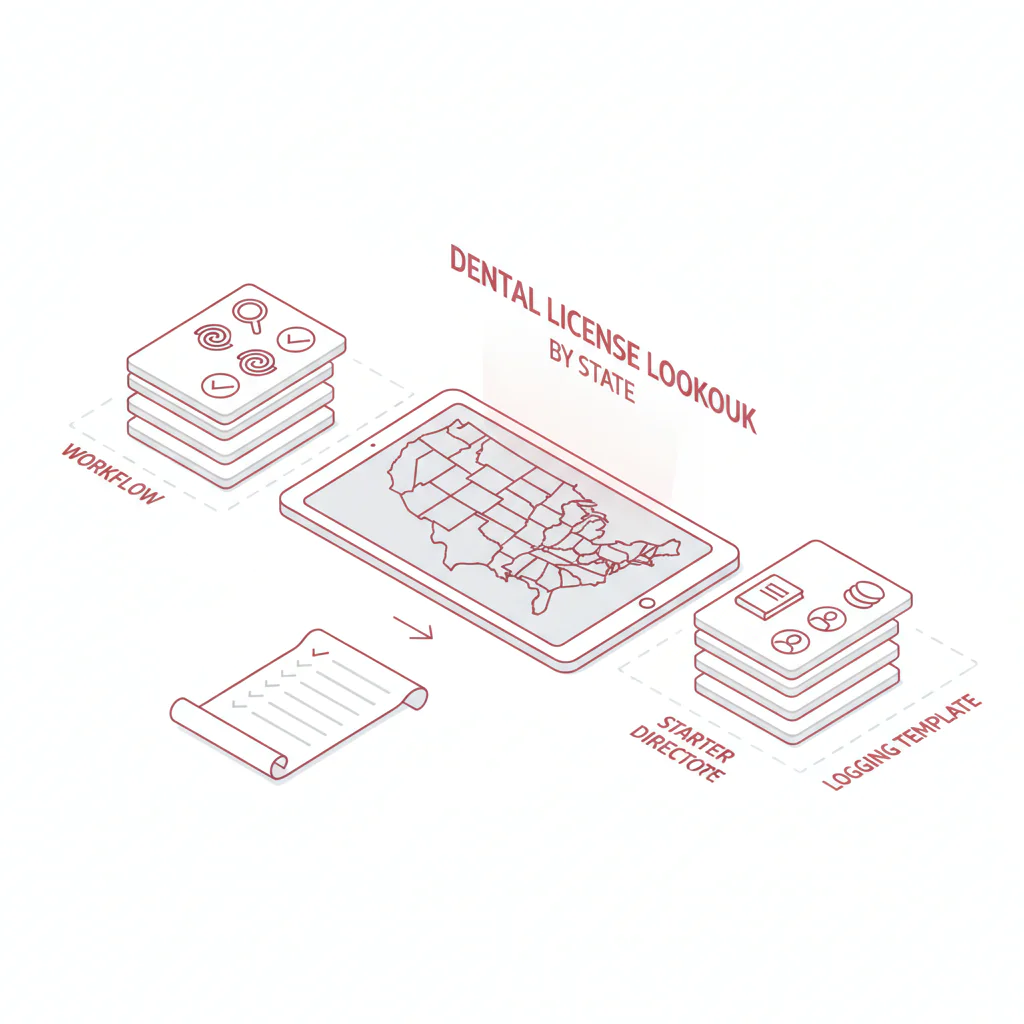
Dental license lookup by state
Ben Argeband, Founder & CEO of Heartbeat.ai — Directory + checklists, avoid scope-of-practice and discipline interpretation.
What’s on this page:
Who this is for
This hub is for dental recruiters and DSOs who need to confirm a dentist has a valid license status before moving them forward. The goal is speed and auditability: you can prove what you checked, when you checked it, and which official source you used.
Fast navigation (recruiter workflow)
- Quick Answer
- Framework
- Step-by-step method
- Starter directory (by state)
- Micro-assets
- Common pitfalls
- How to improve results
- Evidence and trust notes
- FAQs
- Next steps
Quick Answer
- Core Answer
- Use each state dental board’s official verification portal to confirm license status, match identity fields, and log the result with a timestamp and source URL.
- Key Insight
- Boards vary in what they display and how searches work, so a consistent logging template prevents rework during offer and onboarding.
- Best For
- Dental recruiters and DSOs verifying dentist licensure basics.
Compliance & Safety
This method is for legitimate recruiting outreach only. Always respect candidate privacy, opt-out requests, and local data laws. Heartbeat does not provide medical advice or legal counsel.
Framework: The “Same Steps Everywhere” Workflow: find board → verify → log
If you want the broader hub across specialties, start here: state license lookups hub.
- Find board: Start at the official state dental board site (or the official state license verification portal the board links to).
- Verify: Search by license number when possible; otherwise use name + location and confirm at least two identifiers.
- Log: Capture the minimum fields that make the check reproducible (status verbatim, timestamp, and source URL).
The trade-off is… you spend an extra minute logging now, and you avoid hours of back-and-forth later when someone asks for proof of what you saw on the portal.
Step-by-step method
Step 1: Use the official verification entry point (board site or state portal)
For a dental license lookup, your verification source should be the official state system. Some states host verification directly on the dental board site; others route you to a statewide professional licensing portal. Either is fine if it’s the official state verification tool.
- Prefer a result page that shows license status and a profile page you can link to in your log.
- If the state only provides a roster PDF or a phone-only process, log that limitation and route the candidate to your credentialing lane.
Step 2: Search using the most stable identifier
- License number (best when you have it).
- Full name + city (watch middle initials, hyphenations, and maiden names).
- Practice name (tie-breaker only; affiliations change).
If you’re searching by name and you get multiple matches, treat it as unverified until you confirm at least two identity fields (for example: city + license type, or address + license number if displayed).
Step 3: Record what the portal states (don’t interpret beyond it)
Your job is to capture what the official portal displays about license status and basic identifiers. Do not infer scope-of-practice, disciplinary meaning, or eligibility. If the portal uses unfamiliar status language, log it verbatim and escalate to your credentialing/compliance workflow.
Step 4: Log the check so another teammate can reproduce it
Every lookup should produce an auditable record. Minimum fields to capture:
- State
- Licensee name as displayed
- License number (if shown)
- License type (if shown)
- License status (verbatim)
- Effective/expiration dates (if shown)
- Source URL (direct profile link if available)
- Lookup timestamp (with timezone)
- Who performed the check
Step 5: Route the candidate based on what you verified
- Active/Current: proceed with outreach and screening.
- Inactive/Expired: proceed only if your role allows a future start date and you have a reactivation plan; otherwise deprioritize.
- Not found / ambiguous match: request the license number and re-check; don’t guess.
How to find the verification link on any board site
- Look for navigation labels like “License Verification”, “Verify a License”, “License Lookup”, or “Online Services”.
- If the board routes to a statewide portal, the verification link is often under “Public Search” or “Licensee Search”.
- On statewide portals, confirm you selected the correct profession/license type before you log a result.
- If you can’t find a public tool, look for a board page that states how to verify by phone/email and log that process.
What varies by state (so your log survives audits)
- Permalinks: some portals provide a stable profile URL; others only show a result screen.
- Fields displayed: expiration dates, addresses, and license type labels vary widely.
- Search behavior: some tools require exact punctuation or middle initials; others are more forgiving.
- Filters: statewide portals may require selecting the correct profession or license type before results make sense.
- Update cadence visibility: some portals show “last updated,” many do not.
Directory: state dental board verification starting points (starter set)
Last reviewed: 2026-01 (starter set; expand based on demand). Always confirm you’re on the official state dental board site (or the official state verification portal it links to) before you log a result, and re-check entry points periodically.
| State | Official state dental board starting point (verify link is on-site) | What to do next |
|---|---|---|
| California | Dental Board of California | Use the board’s posted license verification link; log the exact verification results/profile URL (if available) and your lookup timestamp. |
| Texas | Texas State Board of Dental Examiners | Find the license verification tool; search by license number when available; log status verbatim. |
| Florida | Florida Board of Dentistry | Follow the board’s verification link to the official state lookup; log the source URL and timestamp. |
| New York | NYSED Office of the Professions (Dentists) | Use the state’s official verification search; confirm identity fields carefully on name searches. |
| Illinois | Illinois Department of Financial and Professional Regulation | Use the state license lookup; ensure you select the correct profession/license type before logging. |
| Pennsylvania | PA State Board of Dentistry | Follow the verification path; capture the profile link if available; log timestamp. |
| Ohio | Ohio State Dental Board | Use the board’s verification tool; log the exact status language shown. |
| Georgia | Georgia Board of Dentistry | Use the board’s official verification route; log timestamp and URL. |
| North Carolina | North Carolina State Board of Dental Examiners | Locate the license verification page; confirm at least two identifiers on name searches. |
| Michigan | Michigan LARA (BPL) | Use the state’s license search; verify you’re viewing the correct profession record before logging. |
| Arizona | Arizona State Board of Dental Examiners | Use the board’s verification tool; log the source URL you used to verify. |
| Washington | Washington DOH (Dentist) | Follow the state verification process; log status and dates if displayed. |
If you need a state that isn’t listed yet, use the worksheet in “How to improve results” to add it to your internal directory with consistent fields.
Micro-Asset: Diagnostic Table
Use this to standardize how your team handles common portal differences across states while keeping your logs auditable.
| Portal behavior you see | Operational meaning | What to log (minimum) | Recruiting action |
|---|---|---|---|
| Multiple similar names returned | High collision risk; identity not confirmed | Search inputs + top results reviewed + why you selected one | Request license number before scheduling |
| Status shown but no profile permalink | Harder to audit later | Verification entry URL + search parameters + timestamp + status verbatim | Proceed, but flag for re-check at offer |
| “No results” but candidate insists active | Name mismatch, recent change, or portal lag | Exact spelling tried + filters + timestamp + candidate-provided license number (if any) | Re-check with license number; escalate if still missing |
| Multiple license types for same person | Role fit depends on the specific license type | Each license type + status + dates | Confirm required license type before moving forward |
| Expiration date not displayed | You can’t rely on dates for timing decisions | Log “expiration not displayed” + status verbatim + timestamp | Re-verify closer to start date |
Weighted Checklist:
Score each verification so your team knows when a lookup is strong enough to proceed versus needing a second pass. Total 100 points.
- 40 points: Matched by license number (or portal shows a unique identifier that clearly matches the candidate)
- 20 points: Name match plus at least one additional identifier match (city, address, or license type)
- 15 points: Logged source URL to the official verification entry point or profile page
- 15 points: Logged lookup timestamp (with timezone) and checker name
- 10 points: Logged status verbatim + dates if displayed
- 85–100: proceed to outreach/screening
- 70–84: proceed, but request license number and schedule a re-check at offer
- <70: do not proceed until identity is confirmed
Outreach Templates:
Use these to get the missing identifier you need (usually the license number) without turning it into a compliance lecture.
Template 1: Candidate message (license number request)
Subject: Quick license verification for your application
Hi [Name] — I’m verifying licensure basics for [State] before we schedule time. Can you share your dental license number as it appears on the state portal? I’ll use it only to confirm your current license status. Thanks — [Your Name]
Template 2: ATS/CRM note (auditable log)
Verified via the official state verification portal linked by the state dental board: [URL]. Search method: [license # / name+city]. Result: [status verbatim]. License type: [type]. Dates: [effective/exp if shown]. Checked by: [name]. Timestamp: [YYYY-MM-DD HH:MM TZ].
Template 3: Hiring manager update
Licensure check completed for [Candidate]. Official portal shows: [status verbatim] as of [timestamp]. Source link logged. Next step: [screen/interview/credentialing review].
Common pitfalls
- Using non-official sources as verification. Directories can help you find the right site, but your log should point to the official state verification tool.
- Over-interpreting status language. Record what the portal states; don’t translate it into discipline meaning or eligibility.
- Skipping the URL and timestamp. If you can’t reproduce the check later, you’ll redo it during offer or onboarding.
- Assuming portals update in real time. Treat “not found” as a workflow problem to resolve (get license number, re-check), not a final verdict.
How to improve results
License status (definition): the exact standing shown on the official state verification portal for a dentist’s license at the time of lookup (recorded verbatim, with timestamp and source URL).
Measure this by… tracking two workflow metrics inside your ATS/CRM or a shared tracker:
- Lookup-to-decision time: time from first verification attempt to a logged, auditable record that triggers a recruiting action (proceed / request info / escalate).
- Rework rate: percent of candidates where you had to redo the lookup because the first log was missing a URL, timestamp, or identity match.
Weekly operating rhythm that improves both:
- Standardize fields: enforce the minimum log fields in your ATS note template (use the Outreach Template #2).
- Collect license number earlier: add it to your intake form or first screen for states with frequent name collisions.
- Maintain an internal directory table: one row per state with the official entry point URL and quirks, owned by a specific team member.
Uniqueness hook worksheet: DIRECTORY_TABLE schema (copy/paste)
Use this as your internal directory schema so you can scale verification without publishing dozens of state pages.
| State | Official verification entry point (URL) | Search inputs supported (license # / name / city) | Fields displayed (status, type, dates, address) | Permalink available? (Y/N) | Quirks to note (exact) | Last checked (timestamp) | Owner |
|---|---|---|---|---|---|---|---|
| [e.g., TX] | [paste URL] | [license #, name] | [status, type, exp date] | [Y/N] | [e.g., requires exact middle initial; no profile link] | [YYYY-MM-DD HH:MM TZ] | [name/team] |
Legal and ethical use
- Use license verification for legitimate recruiting and credentialing support only.
- Respect opt-out requests and applicable privacy/data laws in your outreach workflows.
- Do not present this hub as an official authority for all states; always defer to the official state dental board or official state licensing portal.
- This page does not provide legal advice and does not interpret discipline or scope-of-practice.
Evidence and trust notes
We treat official state verification portals as the source of truth and focus on making your process auditable. For how Heartbeat evaluates data quality and sourcing practices, see our trust methodology.
For profession-level context (not license verification), the American Dental Association can be a directional reference: ADA. Always verify a dentist’s license status on the official state dental board or official state licensing portal.
The state links in the directory are examples of official starting points; verification happens on the state’s posted tool and entry points can change, so validate periodically.
Related Heartbeat resource for outreach operations: dentist contact database for recruiting outreach.
FAQs
What is the fastest way to do a dental license lookup by state?
Start at the official state dental board site, follow its verification link to the official portal, search by license number when possible, and log the status verbatim with a timestamp and source URL.
What should I record from the portal for an auditable check?
Record the licensee name as displayed, license number (if shown), license type, license status (verbatim), dates (if shown), the source URL, and a timestamp with timezone.
What if the portal shows multiple dentists with the same name?
Pause and request the license number. If you must proceed, confirm at least two additional identifiers (like city and license type) before you treat it as verified.
Can I use this to interpret disciplinary history?
No. This hub is for licensure basics and auditable logging. If a portal displays disciplinary information, route it to your credentialing/compliance process for appropriate review.
How often should we re-check license status during the hiring process?
Re-check at offer and again pre-start for roles where timing matters. If the portal doesn’t show update cadence or permalinks, re-check closer to the start date.
Next steps
- Copy the DIRECTORY_TABLE worksheet into your ATS/CRM or shared tracker and assign an owner to maintain state entry points.
- For the broader hub across specialties, visit state license lookups.
- If you need verified contact workflows alongside verification, review our dentist contact database resource.
- When you’re ready to operationalize sourcing and outreach, start free search & preview data.
About the Author
Ben Argeband is the Founder and CEO of Swordfish.ai and Heartbeat.ai. With deep expertise in data and SaaS, he has built two successful platforms trusted by over 50,000 sales and recruitment professionals. Ben’s mission is to help teams find direct contact information for hard-to-reach professionals and decision-makers, providing the shortest route to their next win. Connect with Ben on LinkedIn.