


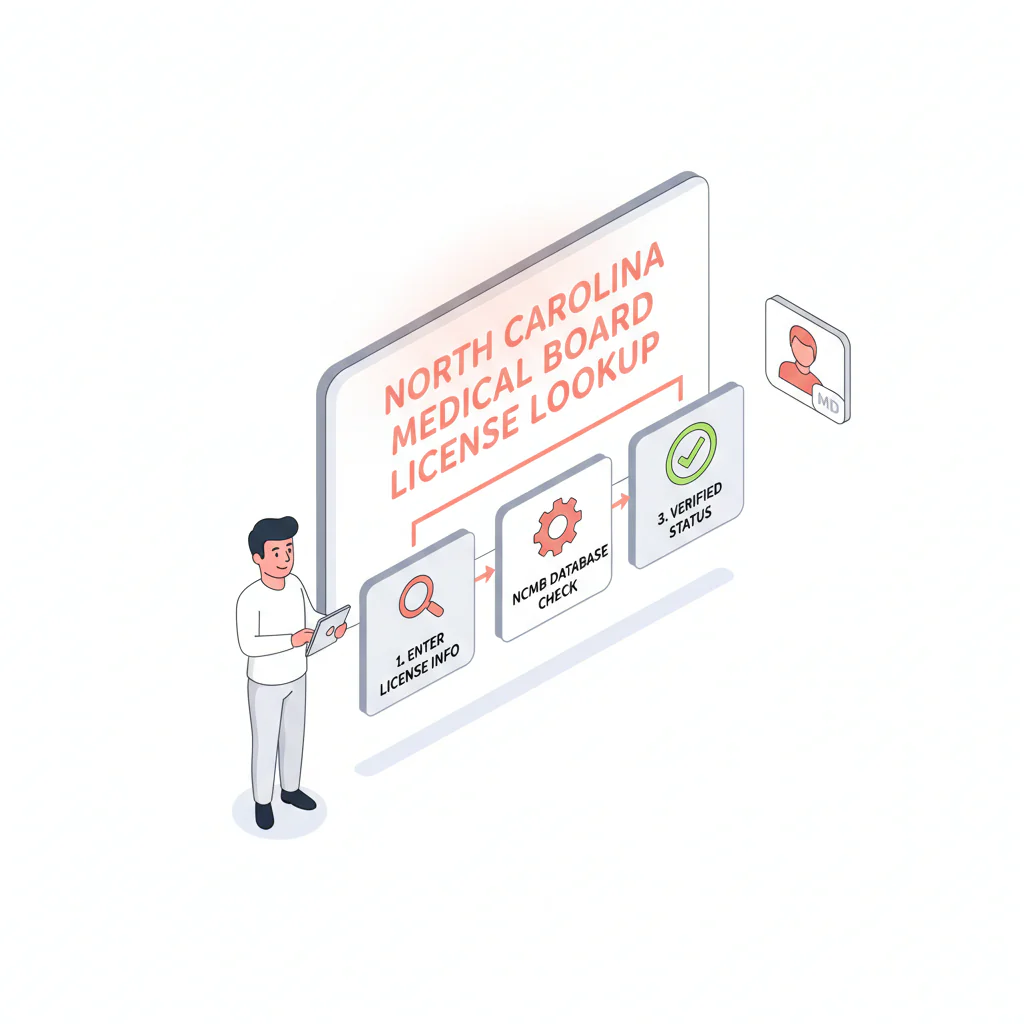
North Carolina medical license lookup
Ben Argeband, Founder & CEO of Heartbeat.ai — Step-by-step + what to log.
What’s on this page:
Who this is for
This is for recruiters verifying physicians in North Carolina who need an auditable check from the N.C. Medical Board and a consistent way to capture status, issue date, and expiration date for submittals.
Quick Answer
- Core Answer
- Use the N.C. Medical Board’s official licensee search, open the physician’s record, and log status, issue date, expiration date, record URL, and date checked.
- Key Insight
- Auditability beats memory: store the ncmedboard.org record URL and date checked so anyone can reproduce the same result later.
- Best For
- Recruiters verifying physicians in North Carolina.
Compliance & Safety
This method is for legitimate recruiting outreach only. Always respect candidate privacy, opt-out requests, and local data laws. Heartbeat does not provide medical advice or legal counsel.
What you’ll need (to avoid rework):
- Physician full name (and middle initial if available)
- One extra identifier: city, practice, or specialty
- NPI or NC license number (if you have it)
- A place to store: status + issue/expiration + record URL + date checked (ATS/CRM note template)
Framework: The “Make It Auditable” Rule: log source URL + date
If you can’t show where you checked and when you checked, you don’t have a verification you can defend. For North Carolina, that means your file should include the ncmedboard.org record URL (or the closest stable URL available) and the date checked, alongside the fields you captured.
Copy/paste ATS note format (recommended):
NCMB record URL: [paste URL] | Date checked: [YYYY-MM-DD] | Status: [exact label] | Issue date: [as shown] | Expiration date: [as shown] | Identifiers matched: [e.g., city + practice]
Step-by-step method
-
Start at the official source (NCMB).
Go to the N.C. Medical Board website and use the official licensee search. If the site provides a dedicated “Licensee Search” page link, bookmark that exact page for your team’s SOP.
-
Search with the tightest identifier you have.
Best: license number. Next: full legal name. If you have an NPI, use it as your internal join key so you don’t create duplicate profiles or mismatch similar names.
-
Open the individual record page (don’t stop at the results list).
Click into the physician’s record and confirm you’re on an ncmedboard.org page that displays license details. This is the page you’ll reference later if a client asks for proof.
-
Confirm identity before you log anything.
Require at least two matching identifiers (for example: full name + city, or name + practice). If multiple similar names appear, open each plausible record and compare identifiers until you can confidently select the correct physician.
-
Capture the recruiter-critical fields (verbatim).
Record the exact status label shown, plus issue date and expiration date. Log the labels exactly as shown (for example: “Status: [label]”, “Issue date: [date]”, “Expiration date: [date]”). If the record displays multiple entries on the NCMB record page, note which entry you used for the role/submittal.
-
Make it auditable: log URL + date checked.
Copy the record URL into your ATS/CRM note and add the date checked. If your process requires attachments, save a PDF of the record view as a backup.
-
Optional: tie the NC record to NPI for downstream workflows.
When your team uses NPI as the internal identifier, you can reconcile outreach, credentialing notes, and submissions faster. Practical workflow: NPI-to-license matching for provider contact workflows.
-
Speed note for agency workflows.
The trade-off is… you can move fast with a quick status capture, but you’ll lose time later if you can’t show the record URL and date checked when a client audits the file.
Diagnostic Table:
| Scenario | What to do on the NCMB site | What to log (minimum) | Recruiting impact |
|---|---|---|---|
| Exact match found quickly | Open the record page and confirm identifiers | Status, issue date, expiration date, record URL, date checked | Submittal-ready verification with low rework |
| Multiple similar names | Open each plausible record; compare city/practice/specialty | Which record you selected + the two identifiers used | Avoids wrong-person errors that damage client trust |
| No results on first search | Retry with/without middle initial, alternate spelling, or last-name-only + city | Search terms tried + final record URL (if found) | Prevents false “not licensed” conclusions |
| Record shows multiple entries | Identify the entry relevant to the role; log which entry you used | Entry selected + status/issue/exp + record URL/date | Reduces credentialing back-and-forth |
| You have NPI but not license number | Use NPI to confirm identity internally, then validate the NCMB record | NPI + NCMB record URL + status/issue/exp | Cleaner matching across outreach and submissions |
Weighted Checklist:
Paste this checklist into your ATS note template so every North Carolina check is auditable and consistent.
- (5 points) Correct record selected (at least 2 identifiers match the candidate)
- (5 points) License status captured exactly as displayed (verbatim)
- (4 points) Issue date captured
- (4 points) Expiration date captured
- (5 points) Log source URL + date (record URL is on ncmedboard.org)
- (3 points) If multiple entries appear, note which entry you used for the role/submittal
- (2 points) If the record displays a separate public actions/disciplinary area, log “present” or “none shown” without interpretation
- (2 points) NPI linked in ATS/CRM notes for downstream matching
Scoring guidance: 20+ points = typically submittal-ready for recruiting workflows. Below 20 = fix gaps before you send to the client.
Outreach Templates:
These templates reduce identity mismatch and speed up submittals without asking for unnecessary personal data.
Template 1: Identity confirmation for NC submission (email)
Subject: Quick confirmation for North Carolina submission
Hi Dr. [Last Name] — I’m confirming details for a North Carolina opportunity. To match the correct N.C. Medical Board record, can you reply with your preferred name, current practice city, and NPI (or NC license number)?
Thanks,
[Your Name]
Template 2: Multiple similar records (text/email)
Hi Dr. [Last Name] — I’m seeing more than one similar record on the N.C. Medical Board site. To avoid a mismatch, can you confirm your middle initial and the city tied to your NC license?
Template 3: Transparent documentation (email)
Hi Dr. [Last Name] — for compliance, I document license status directly from the N.C. Medical Board and log the record URL + date checked in your file. If you prefer I don’t retain a PDF copy, tell me and I’ll only keep the URL/date note.
Common pitfalls
- Stopping at the search results list. Always open the individual record page and log that URL, not just the search output.
- Wrong-person match due to similar names. Require two identifiers before you record status. If you can’t get two, ask the candidate for NPI or license number.
- NC-specific friction: middle initials and spelling variants. If you get “no results,” rerun the search with and without the middle initial and try a last-name-only search paired with city/practice before concluding there’s no record.
- Copying a simplified status into the ATS. Status labels can be nuanced. Log the exact on-page status label verbatim and keep the record URL + date checked.
- Not noting which entry you used when multiple entries appear. If the record shows multiple entries, document which one you used for the role.
- Interpreting disciplinary information. You can log whether a section is present, but do not interpret it for a client or candidate.
How to improve results
Define “license status” consistently (required definition)
License status definition: the exact status label shown on the official N.C. Medical Board record at the time of lookup, recorded verbatim with the record URL and date checked.
Make re-checks predictable (so you don’t get last-minute surprises)
- Re-check before client submission if the prior check is not recent.
- Re-check before credentialing/start-date milestones if required by the client.
- Log each check as a new line item with URL + date checked (don’t overwrite the prior note).
Quality control loop (simple, measurable)
Measure this by… tracking how many submissions get kicked back because the record URL/date is missing, the wrong person was selected, or issue/expiration wasn’t captured. Keep the reason code in your ATS note so you can fix the process, not just the one file.
Legal and ethical use
Use official board information for legitimate recruiting and credentialing support. Respect opt-outs and privacy requests, and follow applicable data laws and client policies. Heartbeat does not provide legal counsel. Do not present license information as legal advice, and do not interpret disciplinary information for decision-making—route those questions to the appropriate compliance or legal stakeholders.
Evidence and trust notes
Official source: N.C. Medical Board. This workflow is built around capturing what the official record displays (status/issue/expiration) and making it auditable with a record URL and date checked.
How we evaluate sources and document methodology: Trust Methodology.
For a multi-state workflow, use the hub: State license lookups (all states).
FAQs
Where do I run an official North Carolina medical license lookup?
Use the N.C. Medical Board website and its official licensee search. For recruiting files, log the ncmedboard.org record URL and the date checked.
What should I capture from the physician license record?
Capture the exact status label, issue date, and expiration date, plus the record URL and date checked. If multiple entries appear, note which entry you used for the role/submittal.
How do I avoid matching the wrong physician in North Carolina?
Confirm at least two identifiers (for example: name + city, or name + practice). If you can’t confidently match, ask the candidate for NPI or license number and re-run the search.
How often should I re-check license status during a search?
Re-check before submission if your prior check is not recent, and again before credentialing/start-date milestones if required. Log each check with URL + date checked so your file stays auditable.
Can I store a screenshot instead of the record URL?
A screenshot can help, but the record URL + date checked is usually easier to audit and reference later. If your ATS supports it, keep both.
Next steps
- Run the official check now: use the N.C. Medical Board licensee search and log status/issue/expiration + record URL/date.
- Standardize your multi-state process: use State license lookups as your hub.
- Need cleaner matching across outreach and submissions? Review NPI-license matching, then start free search & preview data.
About the Author
Ben Argeband is the Founder and CEO of Swordfish.ai and Heartbeat.ai. With deep expertise in data and SaaS, he has built two successful platforms trusted by over 50,000 sales and recruitment professionals. Ben’s mission is to help teams find direct contact information for hard-to-reach professionals and decision-makers, providing the shortest route to their next win. Connect with Ben on LinkedIn.

