


Healthcare data quality issues are a growing concern in the medical sector. Let’s start with some numbers to grasp the magnitude of the problem: Do you know that around 18% of healthcare data is estimated to be inaccurate or incomplete?
Now, why should you be concerned about healthcare data quality issues?
Well, data quality is the backbone of healthcare decision-making. It affects patient care, research outcomes, and financial management. Poor data quality can lead to misdiagnosis, billing errors, and compromised patient safety.
In this guide, we’ll explore the importance of data quality in healthcare, the root causes of data quality issues, and provide solutions to improve it. Stick with us, as we look into the complicated world of healthcare data and how to make it work better for you.
What’s on this page:
What is Healthcare Data Quality?
Data Quality in healthcare refers to the accuracy, completeness, and reliability of information collected and stored in various systems. It is an important aspect of healthcare data management, as the quality of data directly impacts patient care, clinical decision-making, research, and healthcare operations.
Accuracy means that the data is correct and error-free. When you go to the doctor, they need precise information about your medical history, medications, and test results to make informed decisions.
Completeness ensures that all necessary information is available. In healthcare, missing data can hamper diagnosis and treatment.
Reliability involves consistency and trustworthiness. You want your healthcare data to be consistent over time and across different sources. Reliable data helps in tracking your health progress accurately.
What are the Benefits of Using Data Quality Tools in the Hospital Setting?
Using data quality tools in the hospital setting can bring about numerous benefits. In this comprehensive section, we will explore these benefits in detail:
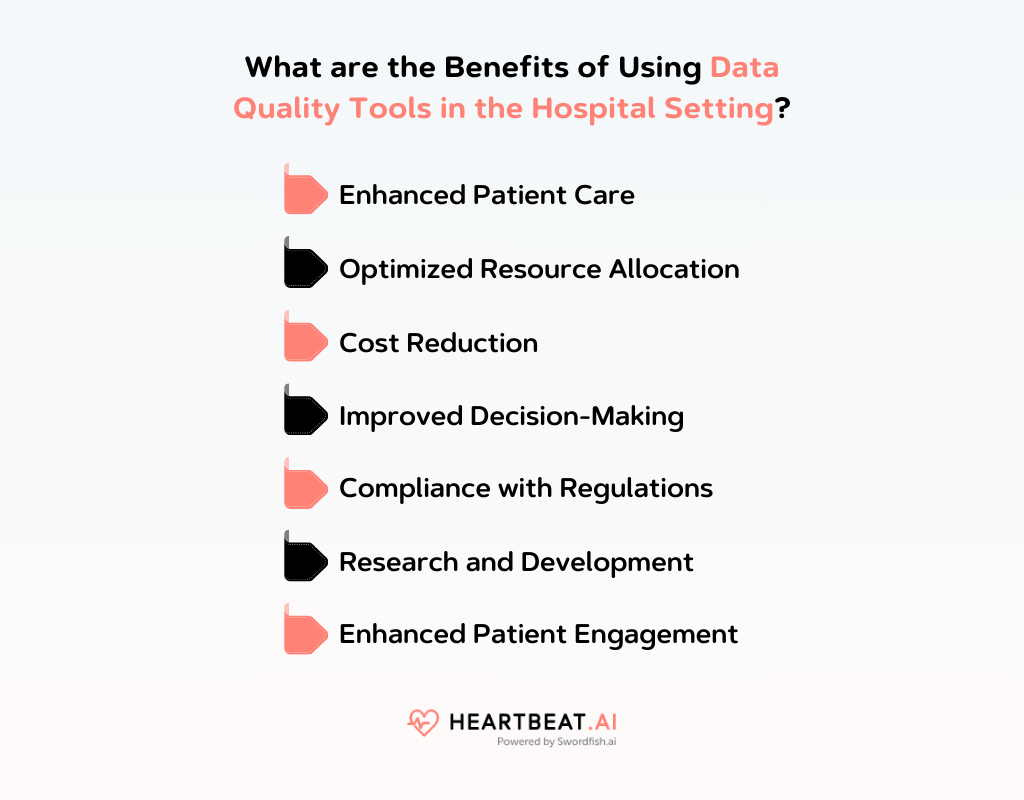
Enhanced Patient Care
Data quality tools help hospitals maintain accurate and up-to-date patient records. When healthcare providers have access to high-quality data, they can make informed decisions about patient care.
This includes accurate diagnosis, appropriate treatment plans, and timely interventions. Improved data quality also reduces medical errors, ultimately enhancing patient safety.
Optimized Resource Allocation
Hospitals often face resource constraints, including staffing and equipment. Data quality tools enable hospitals to analyze historical data and predict future demand, leading to better resource allocation.
For instance, If data indicates a seasonal spike in ER visits, the hospital can adjust staffing accordingly.
Cost Reduction
By maintaining data accuracy and completeness, hospitals can identify areas where cost savings are possible. This includes reducing redundant tests, optimizing inventory management, and minimizing billing errors.
Data quality tools can also assist in insurance claims processing, reducing the likelihood of claim denials due to incomplete or inaccurate data.
Improved Decision-Making
Healthcare decisions are often time-sensitive. Data quality tools provide real-time access to reliable data, enabling healthcare professionals to make quicker and more accurate decisions.
This is especially crucial in emergency situations where split-second decisions can be a matter of life and death.
Compliance with Regulations
Hospitals are subject to numerous regulatory requirements, such as HIPAA (Health Insurance Portability and Accountability Act) in the United States. Data quality tools help hospitals stay compliant by monitoring and reporting on data security and privacy measures.
This ensures that patient data is protected and that the hospital avoids costly legal and financial penalties.
Research and Development
High-quality data is essential for medical research and development. Hospitals can contribute to advancements in healthcare by maintaining clean and reliable data.
Researchers can use this data for clinical trials, epidemiological studies, and treatment evaluations, ultimately leading to the development of better healthcare practices and treatments.
Enhanced Patient Engagement
Data quality tools enable hospitals to gather and analyze patient data to customize engagement strategies. This includes personalized health recommendations, appointment reminders, and communication preferences.
Improved patient engagement can lead to better adherence to treatment plans and improved overall health outcomes.
What are the Factors that Contribute to Poor Data Quality in a Healthcare Database?
Several factors contribute to poor data quality in healthcare databases. Here are some of the key factors:
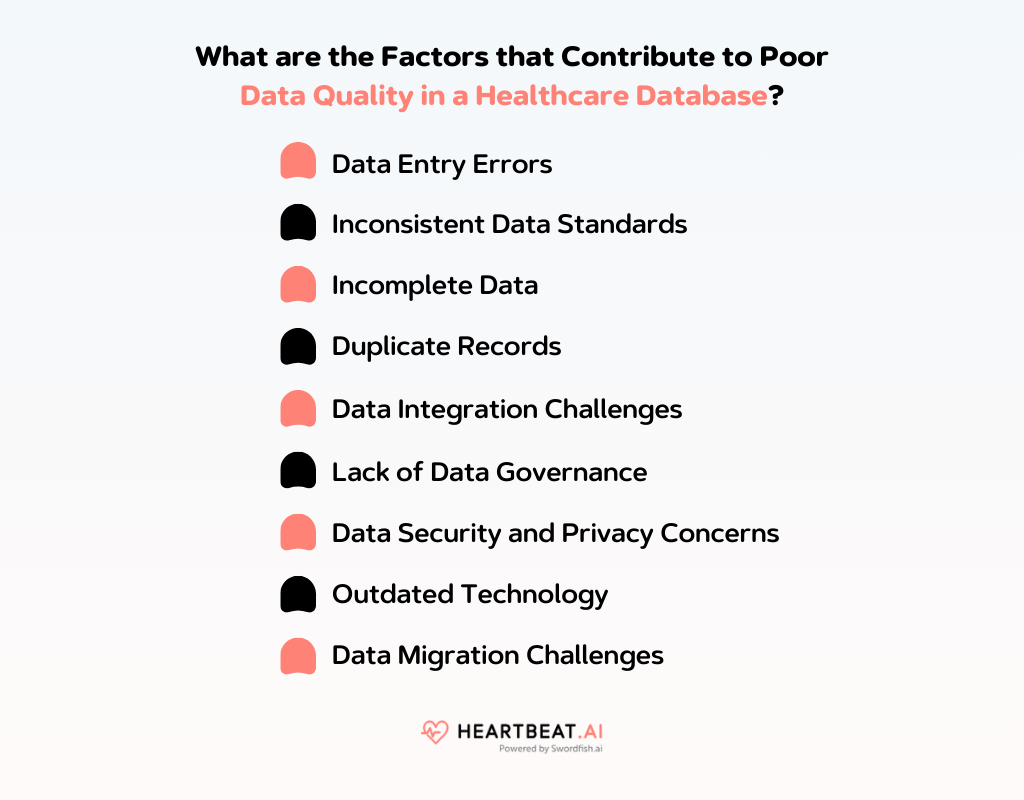
| Challenge | Description |
| Data Entry Errors | Mistakes during data entry, like misspellings, impacting data quality. |
| Inconsistent Data Standards | Varied standards from different sources cause confusion and discrepancies. |
| Incomplete Data | Gaps in documentation lead to incomplete patient information. |
| Duplicate Records | Multiple registrations cause fragmented data and challenges in obtaining an accurate patient history. |
| Data Integration Challenges | Lack of seamless integration among systems, resulting in data silos. |
| Lack of Data Governance | Inadequate governance practices contribute to inconsistencies and unauthorized access. |
| Data Security and Privacy | Privacy regulations and breaches impacting data quality and security. |
| Outdated Technology | Use of outdated systems hinders data validation and quality control. |
| Data Migration Challenges | Risks of corruption, loss, or transformation errors during data migration. |
Data Entry Errors
One of the most common reasons for poor data quality is human error during data entry. Healthcare professionals may make mistakes when recording patient information, such as misspellings, incorrect dates, or inaccurate diagnoses. These errors can propagate throughout the database and affect decision-making processes.
Inconsistent Data Standards
Healthcare data often comes from various sources, including different hospitals, clinics, and laboratories. When these sources use inconsistent data standards or coding systems, it can lead to confusion and data discrepancies. Standardization efforts like HL7 and SNOMED CT aim to address this issue but are not universally adopted.
Incomplete Data
Sometimes, healthcare databases contain incomplete information due to gaps in documentation or missed data fields. Missing data can hamper clinical decision support systems and make it difficult to get a comprehensive view of a patient’s medical history.
Duplicate Records
Duplicate patient records can arise when a patient is registered multiple times under slightly different identifiers. These duplicates can lead to fragmented data, making it challenging to obtain a complete and accurate patient history.
Data Integration Challenges
Healthcare systems often use multiple software applications and databases that may not seamlessly integrate with one another. This can result in data silos, making it difficult to access and consolidate patient data from various sources.
Lack of Data Governance
Inadequate data governance practices can contribute to data quality issues. Without clear policies, procedures, and accountability for data management, there’s a higher likelihood of inconsistencies, inaccuracies, and unauthorized access to sensitive patient information.
Data Security and Privacy Concerns
Strict privacy regulations like the Health Insurance Portability and Accountability Act (HIPAA) require healthcare organizations to protect patient data. In some cases, data quality issues can arise from data security breaches, which can lead to unauthorized changes or exposure to sensitive information.
Outdated Technology
Using outdated or legacy systems can hamper data quality. Older systems may not support the latest data validation and quality control mechanisms, making it easier for errors to occur.
Data Migration Challenges
When healthcare organizations migrate data from one system to another, there’s a risk of data corruption, loss, or transformation errors. Ensuring data quality during migration is crucial.
What is the Impact of Healthcare Data Quality Issues?
Poor data quality in healthcare can have significant and far-reaching impacts on the overall functioning of healthcare systems. Here are some of the key consequences of poor data quality in healthcare:
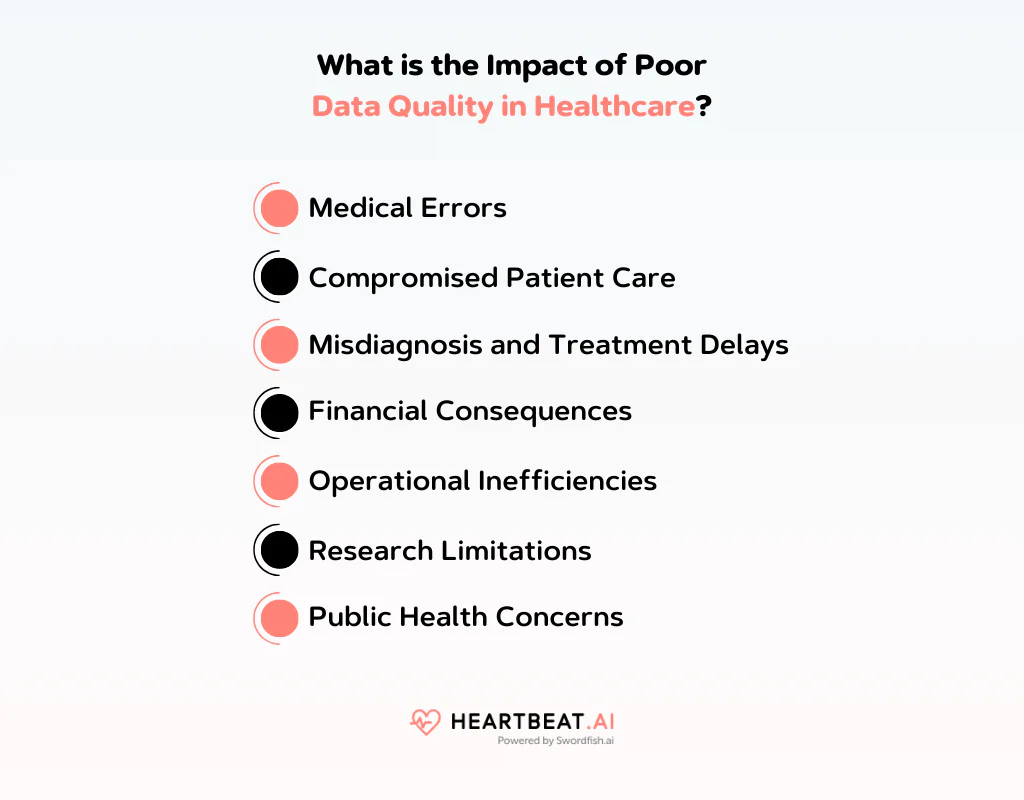
Medical Errors
Inaccurate or incomplete patient data can lead to medical errors, such as incorrect diagnoses, prescription errors, and treatment delays. These errors can jeopardize patient safety and result in adverse health outcomes.
Compromised Patient Care
Healthcare providers rely on accurate patient information to make informed decisions about treatment plans, medication dosages, and care coordination. Poor data quality can lead to suboptimal care and hamper effective patient management.
Misdiagnosis and Treatment Delays
Inaccurate data can lead to misdiagnosis or delays in diagnosis. Patients may receive inappropriate treatments, and unnecessary tests, or experience delays in receiving essential care.
Financial Consequences
Poor data quality can lead to billing errors, insurance claim rejections, and revenue loss for healthcare organizations. It can also result in fraudulent claims or overbilling if data is not accurately documented.
Operational Inefficiencies
Inaccurate or incomplete patient records can slow down administrative processes, care coordination, and hospital operations. Healthcare staff may spend more time correcting errors and less time providing direct patient care.
Research Limitations
Healthcare databases are invaluable for medical research, but poor data quality can compromise the integrity of research findings. Researchers may draw incorrect conclusions or fail to identify meaningful trends due to unreliable data.
Public Health Concerns
Accurate and timely data is important for monitoring and responding to public health crises, such as disease outbreaks or natural disasters. Poor data quality can hinder the ability to track and manage health emergencies effectively.
How to Improve Healthcare Data Quality Issues
Improving data quality in healthcare is essential to enhance patient care, support clinical decision-making, and promote the efficiency of healthcare systems. Here are several strategies and best practices to help healthcare organizations improve data quality:
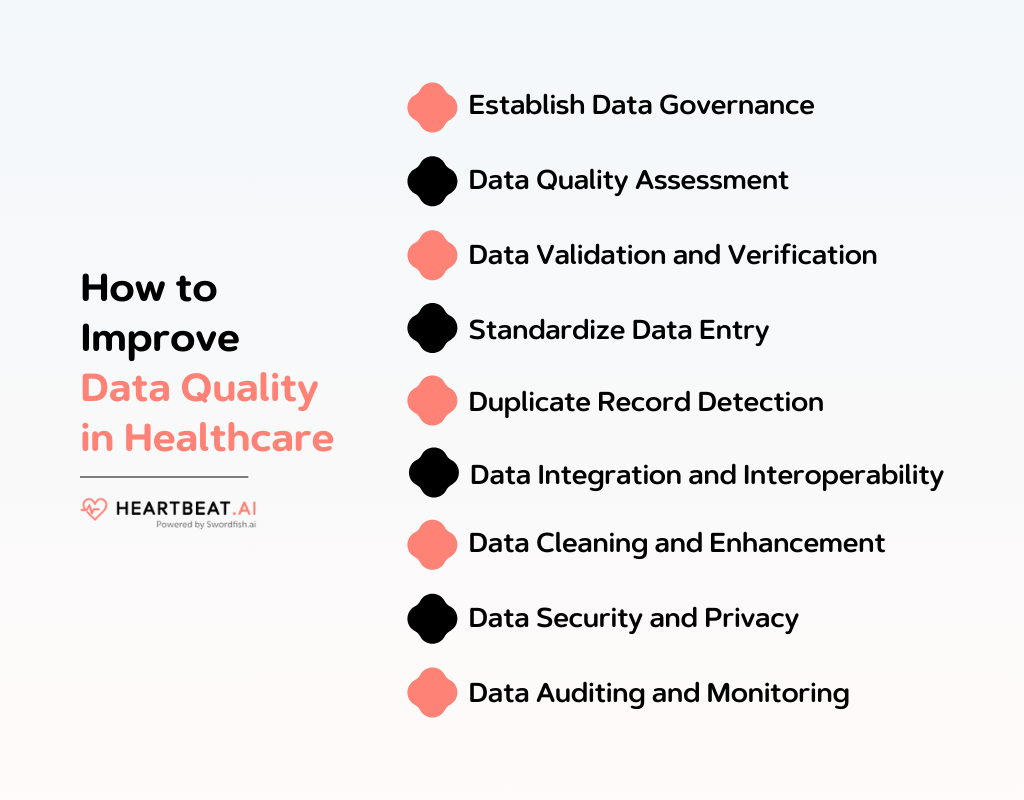
Establish Data Governance
Creating a dedicated data governance team is essential to define data quality standards, policies, and procedures. This team should consist of experts who oversee data management and ensure adherence to best practices throughout the organization.
Data Quality Assessment
Regular assessments involve analyzing the data for anomalies, inconsistencies, and missing values. This process helps identify problem areas and prioritize data quality improvement efforts.
Data Validation and Verification
Implementing validation rules during data entry ensures that data is accurate at the point of capture. Automated validation tools for existing data help identify and correct errors, ensuring data accuracy over time.
Standardize Data Entry
Standardized data entry practices enforce consistency in data formatting, coding, and terminology. This consistency reduces errors and ensures that data is uniformly structured and meaningful.
Duplicate Record Detection
Algorithms and matching techniques are used to identify and merge or eliminate duplicate patient records. This prevents fragmented data and maintains a single, accurate patient profile.
Data Integration and Interoperability
Investing in interoperable IT systems allows for seamless data exchange between different healthcare providers and systems. Accurate data integration prevents data silos and enhances data quality.
Data Cleaning and Enhancement
Data cleansing tools correct inaccuracies and remove irrelevant data. Data enrichment adds missing information, ensuring that the data is complete and accurate for analysis and decision-making.
Data Security and Privacy
Strong data security measures, including encryption and access controls, protect patient data from breaches. Ensuring compliance with healthcare data privacy regulations, such as HIPAA, is essential to safeguard sensitive information.
Data Auditing and Monitoring
Regular data auditing and monitoring processes track data quality over time. Alerts and notifications are set up to promptly address anomalies and issues as they arise.
Examples of Data Accuracy in Healthcare
Data accuracy in healthcare is essential to ensure that patient information and medical records are reliable for clinical decision-making and research. Here are some examples of data accuracy in healthcare:
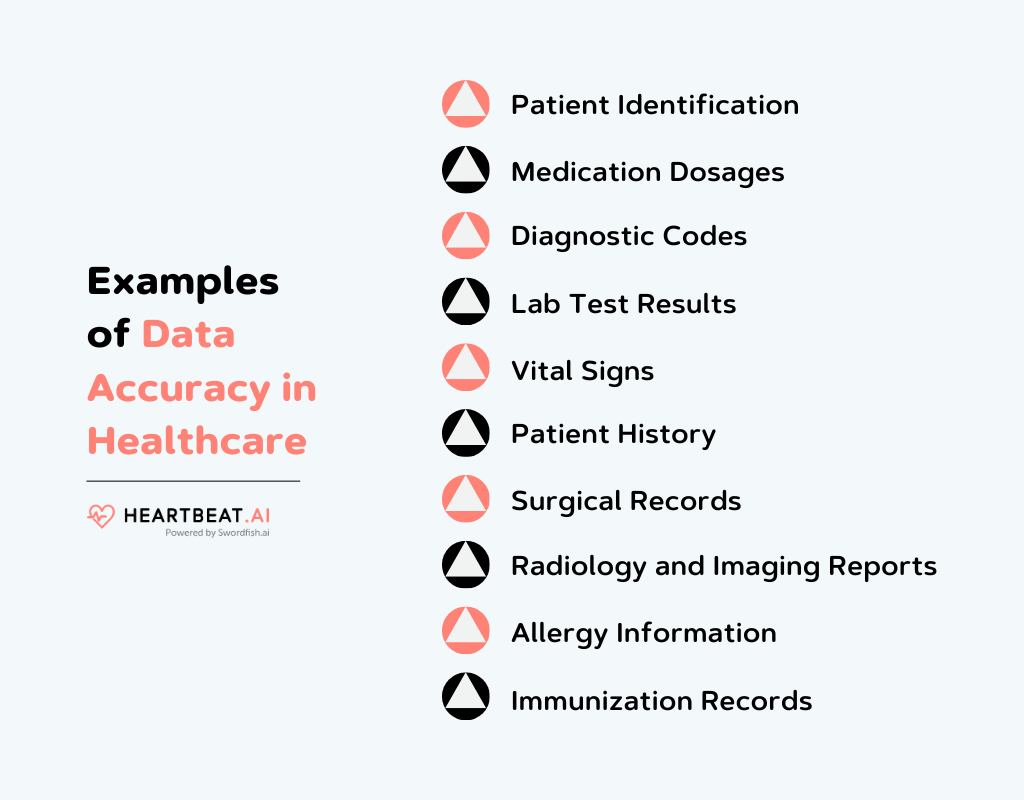
Patient Identification
Accurate patient identification data, including name, date of birth, and medical record number, is essential to prevent mix-ups. This ensures that the right treatment is administered to the correct patient.
Medication Dosages
Precision in recording medication dosages and administration times is vital to avoid medication errors. Incorrect dosages can lead to adverse reactions or ineffective treatments.
Diagnostic Codes
Accurate coding of diagnoses and procedures using standardized coding systems like ICD-10 and CPT ensures that medical billing is correct. Additionally, it facilitates accurate analysis of disease prevalence and treatment outcomes.
Lab Test Results
Lab test results must be accurately recorded, and the values must be properly associated with the correct patient. Errors in lab results can lead to misdiagnosis and inappropriate treatments.
Vital Signs
Recording vital signs such as blood pressure, heart rate, and temperature accurately is crucial for assessing a patient’s health status and making timely clinical decisions.
Patient History
Maintaining an accurate patient history, including past medical conditions, surgeries, allergies, and family history, is essential for making informed clinical decisions and treatment plans.
Surgical Records
Accurate documentation of surgical procedures, including surgical techniques, instruments used, and surgical outcomes, is vital for post-operative care and long-term follow-up.
Radiology and Imaging Reports
Radiology reports, including X-rays, MRIs, and CT scans, must accurately describe findings, helping physicians diagnose conditions and plan appropriate treatments.
Allergy Information
Recording accurate allergy information helps prevent allergic reactions to medications and ensures that patients receive safe treatments.
Immunization Records
Maintaining precise immunization records is crucial for public health tracking and ensuring that individuals receive the appropriate vaccines at the correct intervals.
Conclusion
In conclusion, we have looked into the details surrounding healthcare data quality issues, exploring their root causes and potential solutions.
It is of utmost importance to address and overcome these challenges, as they directly impact patient care, research, and decision-making processes within the healthcare sector.
By applying the insights gathered from this guide, you, as a healthcare professional or data steward, are equipped to take meaningful steps toward enhancing data quality in your domain.
We hope that this resource has empowered you with actionable knowledge to drive positive change and ensure the integrity of healthcare data for the benefit of all.
Frequently Asked Question
What role does data governance play in healthcare data quality?
Data governance establishes policies, procedures, and responsibilities to ensure data accuracy and consistency within healthcare organizations.
How can healthcare institutions maintain data quality over time?
Regular audits, data quality assessments, and ongoing staff training are essential to maintaining data quality standards.
What is the impact of data quality on healthcare analytics and research?
High-quality data is essential for accurate analytics, leading to more informed decisions and improved patient outcomes.

